 Skip to content

Posting on X every day sounds simple until it lands on one person’s plate.
A brand manager has campaign deadlines, approvals, customer questions, creator coordination, and reporting. An independent creator has client work, editing, outreach, and product launches. In both cases, the account goes quiet first. Not because the team lacks ideas, but because publishing consistently is repetitive work.
That’s why automating twitter posts matters. Used well, it protects consistency, keeps good ideas from dying in drafts, and gives your team more time for live engagement and sharper creative decisions. Used badly, it turns an account into a content vending machine.
That tension isn’t new. A foundational analysis of Twitter activity found that 16% of active accounts showed a high degree of automation and 14% of all public tweets originated from automated sources in early platform history, which is why authenticity has always been the core issue, not the existence of automation itself (Twitter automation study). If you want another practical perspective before building your setup, DMpro's Twitter automation guide is a useful companion read because it frames automation as a workflow decision rather than a growth hack.
The Strategic Case for Automating Twitter Posts
The strongest reason to automate isn’t laziness. It’s operational discipline.
Most accounts fail on X because they rely on memory and spare time. Someone says, “We should post more,” but there’s no content queue, no review rhythm, and no plan for busy weeks. Automation fixes the mechanics. It doesn’t fix weak positioning, bland writing, or poor audience understanding. But it does stop execution from breaking every time the team gets pulled into something else.
Automation works when the goal is consistency
A scheduler can handle publishing. A content system can handle idea flow. A review process can protect quality. That combination is what makes automation useful.
Without that structure, posting becomes reactive. Teams publish when they remember, then disappear, then overcorrect with a burst of rushed tweets. Followers notice that pattern fast.
Practical rule: Automate the repeatable parts of publishing. Keep judgment, replies, and brand nuance in human hands.
There’s also a credibility angle. X has a long history of automated behavior, and audiences are more sensitive to it than many marketers assume. People can tell when every post sounds polished in exactly the same way, lands at rigid intervals, and never responds like a human.
The real win is strategic time
The best accounts don’t spend all their energy clicking “post.” They spend it refining ideas, responding to the right people, and turning good conversations into future content.
That’s the case for automating twitter posts in 2026. The software should handle queueing and timing. Your team should handle voice, context, and interaction.
Choosing Your Twitter Automation Strategy
Not every automation setup fits every team. A solo founder needs simplicity. An agency handling multiple brands needs controls. A media team with developer support may want custom workflows.
Modern tools can save 6 to 10 hours per week and can improve engagement by up to 40% through smarter scheduling and analytics, which makes the strategy choice a real ROI decision, not a minor tooling preference (Tweet Archivist automation guide).
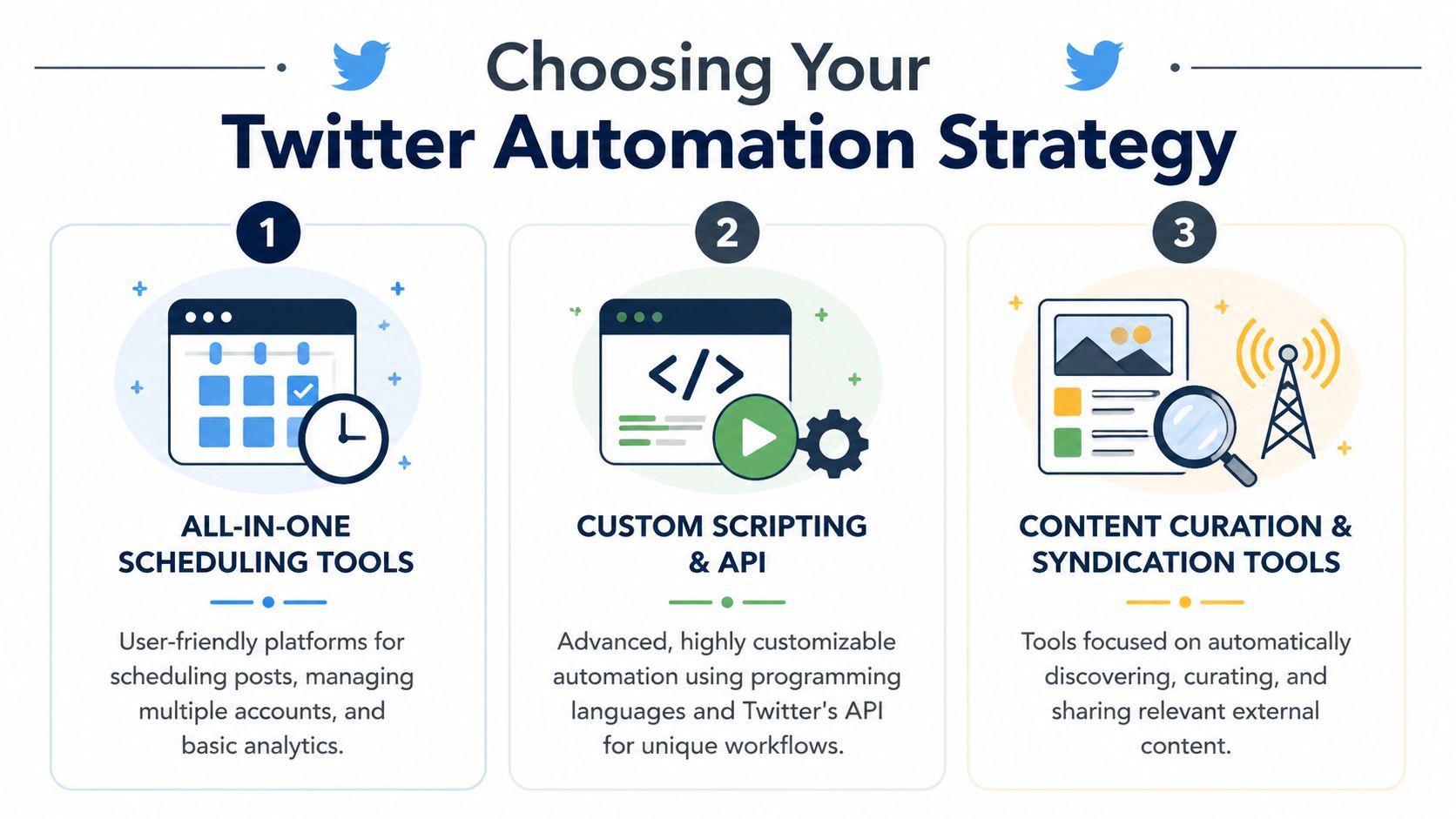
Three common paths
Some teams should stay with a straightforward scheduler. Others need more control.
| Approach | Best For | Pros | Cons |
|---|---|---|---|
| All-in-one scheduling tools | Solo creators, lean teams, consultants | Fast setup, editorial calendar, approvals, simple analytics | Less customization, limited workflow flexibility |
| Custom scripting and API | Technical teams, product-led brands, advanced operators | Deep control, tailored triggers, custom integrations | Higher complexity, ongoing maintenance, compliance risk |
| Content curation and syndication tools | Publishers, newsletters, content-heavy brands | Keeps queue full from existing content sources, efficient for evergreen sharing | Can feel repetitive if not edited, easier to drift off-brand |
How to decide
If you’re choosing between these options, look at four decision points.
- Operational skill: If nobody on the team wants to maintain scripts or troubleshoot broken automations, don’t choose an API-heavy stack.
- Approval needs: If legal, brand, or client approval matters, pick a system with clean review steps.
- Content variety: If your account depends on opinion, commentary, and timely reactions, pure RSS automation won’t be enough.
- Scale: If you manage multiple campaigns or creators, workflow depth matters more than a slick calendar.
A lot of teams overbuild too early. They wire together multiple tools, only to discover the bottleneck wasn’t publishing. It was weak content inputs and slow approvals.
What usually works in practice
For most brands, the best starting point is a scheduler plus a lightweight content intake process. That gives you a stable queue without turning your account into an engineering project.
For agencies or teams coordinating creator assets, a more structured automation layer makes sense. In those cases, connecting scheduling with campaign operations becomes valuable. If you’re mapping that broader process, social media marketing automation workflows show how teams tie publishing into approvals and reporting.
The right setup is the one your team will actually maintain every week, not the one with the longest feature list.
Designing Your Automated Content Pipeline
Automation fails when there’s nothing worth automating.
Most weak X workflows focus on the scheduler and ignore the pipeline behind it. The result is predictable. Repeated phrasing, generic takes, lifeless hooks, and a feed that sounds like a machine flattening a brand’s personality.
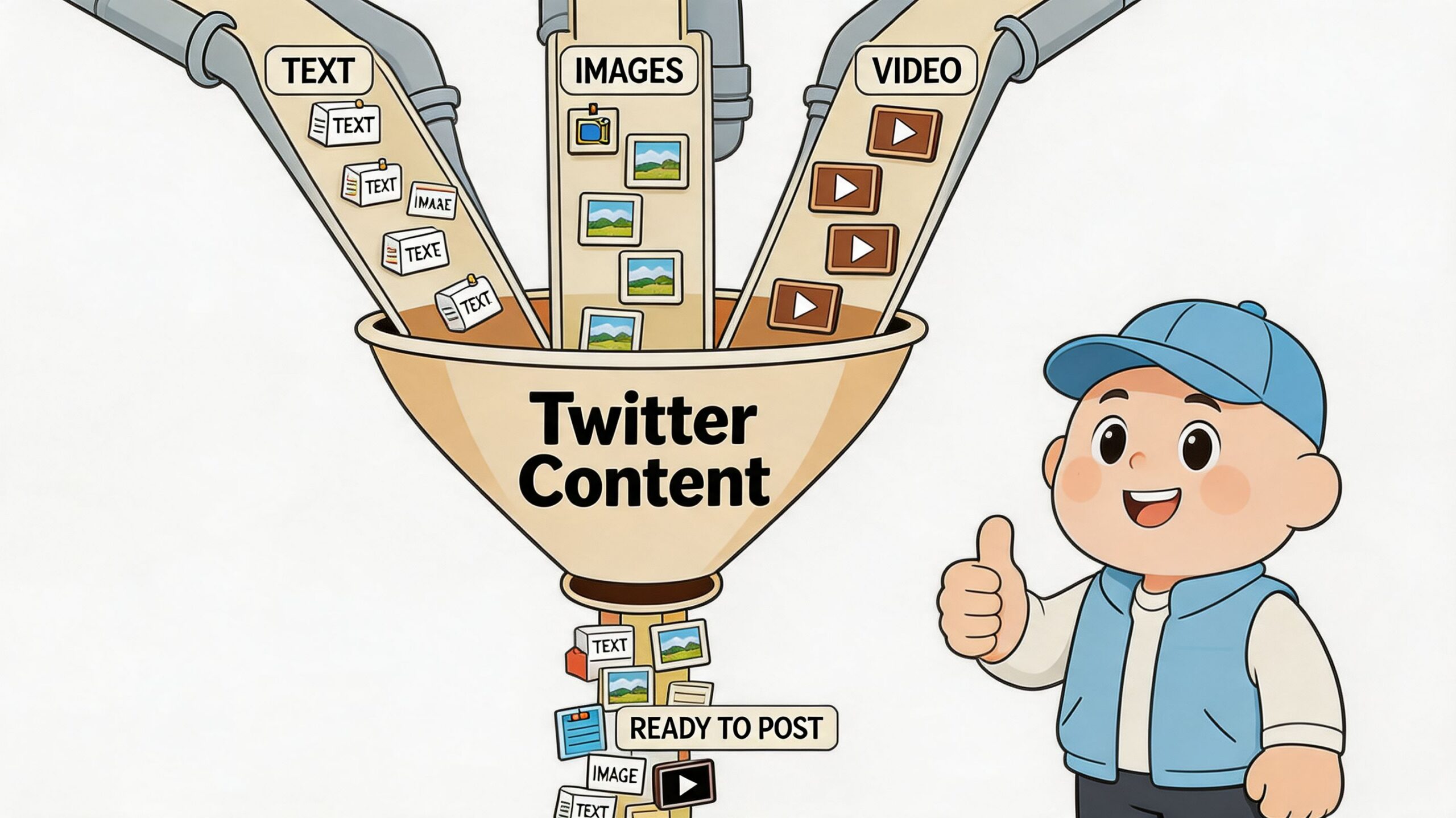
A better system starts with content pillars. Not too many. Usually a few durable themes are enough to stop your account from drifting.
Start with a small set of content pillars
Pick themes that reflect what your audience expects from you, not every topic your team could talk about.
A practical mix often includes:
- Expertise posts: Teach something your audience can apply.
- Point-of-view posts: Share a stance, reaction, or interpretation.
- Proof posts: Highlight results, process snapshots, or lessons from real work.
- Conversation posts: Ask sharper questions than “What do you think?”
- Evergreen repurposing: Turn strong blog, newsletter, podcast, or creator material into X-native posts.
The goal isn’t rigid categorization. The goal is reducing randomness.
Train AI on your voice, not just your topic
AI can speed up drafting, but it can also strip out what makes an account memorable. That matters more than many teams realize.
A cited 2025 Buffer study found that influencers can lose 15% to 20% of their followers when AI-generated content doesn’t match their voice. The same source notes that X’s 2026 policies flag 30% repetitive content as spam, which is why variation and tone control aren’t optional (brand voice and X authenticity guidance).
That should change how you prompt. Don’t ask a model to “write 20 tweets about marketing.” Give it a voice file.
Include things like:
- Words you use often
- Phrases you never use
- Sentence length preferences
- How direct or playful the account sounds
- Whether the brand leads with authority, curiosity, or contrarian takes
If you manage multiple brand voices, build a short style guide for each one. A clean handoff document beats vague instructions every time.
Build a source library before you batch content
Strong automated feeds usually draw from a mix of sources, not one.
Use a simple repository that pulls from your own content, saved notes from customer calls, product updates, sales objections, creator submissions, industry links, and posts that already performed well. Then turn those inputs into variants.
A useful publishing mix can include:
- A short opinion post.
- A one-line lesson with a stronger hook.
- A thread draft from the same idea.
- A quote-style graphic caption.
- A reply prompt tied to the topic.
That’s how you get consistency without repetition.
If the AI draft sounds cleaner than a human would speak, it usually needs editing.
Teams that schedule at scale also benefit from separating content storage from publishing. Your repository holds approved ideas. Your scheduler handles timing. If your current tool mixes both poorly, switching to social media scheduling software built for approvals and queue management can make the workflow less fragile.
A Step-by-Step Automation Workflow with Human Oversight
The safest model for automating twitter posts is not “set it and forget it.” It’s batch creation plus human review.
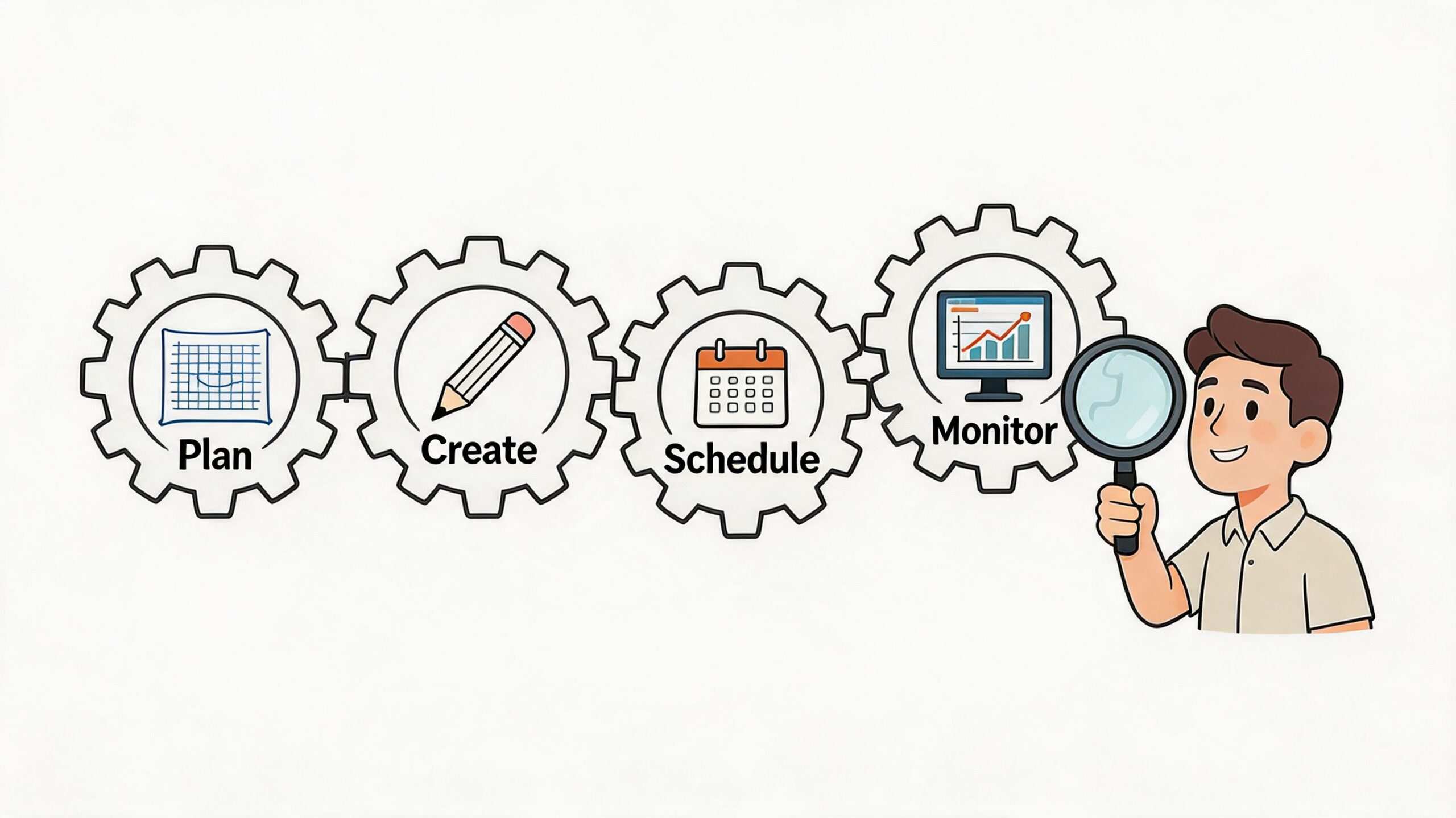
A proven method uses four parts: define your pillars, create AI presets, build a content pipeline, and add a human approval layer. In the cited workflow, this approach led to 32% follower growth while helping teams avoid the 40% to 60% engagement drop associated with over-automation (SocialRails automation method).
Step 1 Define the editorial boundaries
Start by setting the rules before you generate anything.
That means clarifying the account’s themes, target audience, tone, and no-go areas. A founder account can be sharper and more personal. A regulated brand account usually needs tighter language and stricter review. Teams that skip this stage often blame AI for bad output when the underlying problem is unclear direction.
Create a brief that answers:
- Who is this account talking to
- What topics belong on the feed
- What topics don’t
- What voice traits must stay consistent
- Which claims need manual verification before publishing
Step 2 Generate in batches, not one post at a time
Batching makes the system efficient and easier to review.
Pull from your content repository and create a weekly bank of posts. Mix formats so the queue doesn’t become visually or stylistically flat. A healthy batch usually includes short standalone posts, occasional threads, quote-led posts, and time-sensitive commentary placeholders.
What doesn’t work is giving AI a broad prompt and scheduling the raw output untouched. That’s how accounts start sounding interchangeable.
Field note: The draft is the start of the work. The edit is where the account keeps its identity.
Step 3 Review like an editor, not an admin
This is the part many teams rush, and it’s the part that protects performance.
Review for relevance, factual safety, tone, duplication, and timing. Check whether a scheduled joke still lands after a news cycle shift. Check whether a bold opinion still reflects the brand’s position. Check whether the post sounds like something a real person behind the account would say.
Here’s a practical review checklist:
- Voice fit: Does this sound native to the account?
- Originality: Is it too close to a recent post?
- Context: Could current events make it land poorly?
- Claim safety: Does it include any unsupported statement that should be softened or removed?
- Actionability: Is there a reason someone would reply, click, or remember it?
A short approval window each week is usually enough if the pipeline is organized.
The workflow becomes easier when content and review live in the same operational rhythm. This video offers a helpful visual walkthrough of automation thinking from setup to execution.
Step 4 Schedule the posts and keep engagement manual
Once posts pass review, schedule them according to audience activity and campaign priorities. Spread formats and topics so the feed feels natural, not mechanically distributed.
Then do the part software shouldn’t own. Replies, quote-tweets, mention handling, and real-time participation should stay manual. That’s where trust gets built.
A practical weekly cadence looks like this:
- Gather inputs and create a draft batch.
- Review and cut weak posts.
- Schedule the approved queue.
- Monitor live responses and join conversations manually.
- Note what worked, then feed those lessons back into the next batch.
That loop is what turns automation from a posting hack into a repeatable publishing system.
Automating Posts Safely and Avoiding Suspension
The fastest way to ruin an automation setup is to treat platform rules like a technical detail.
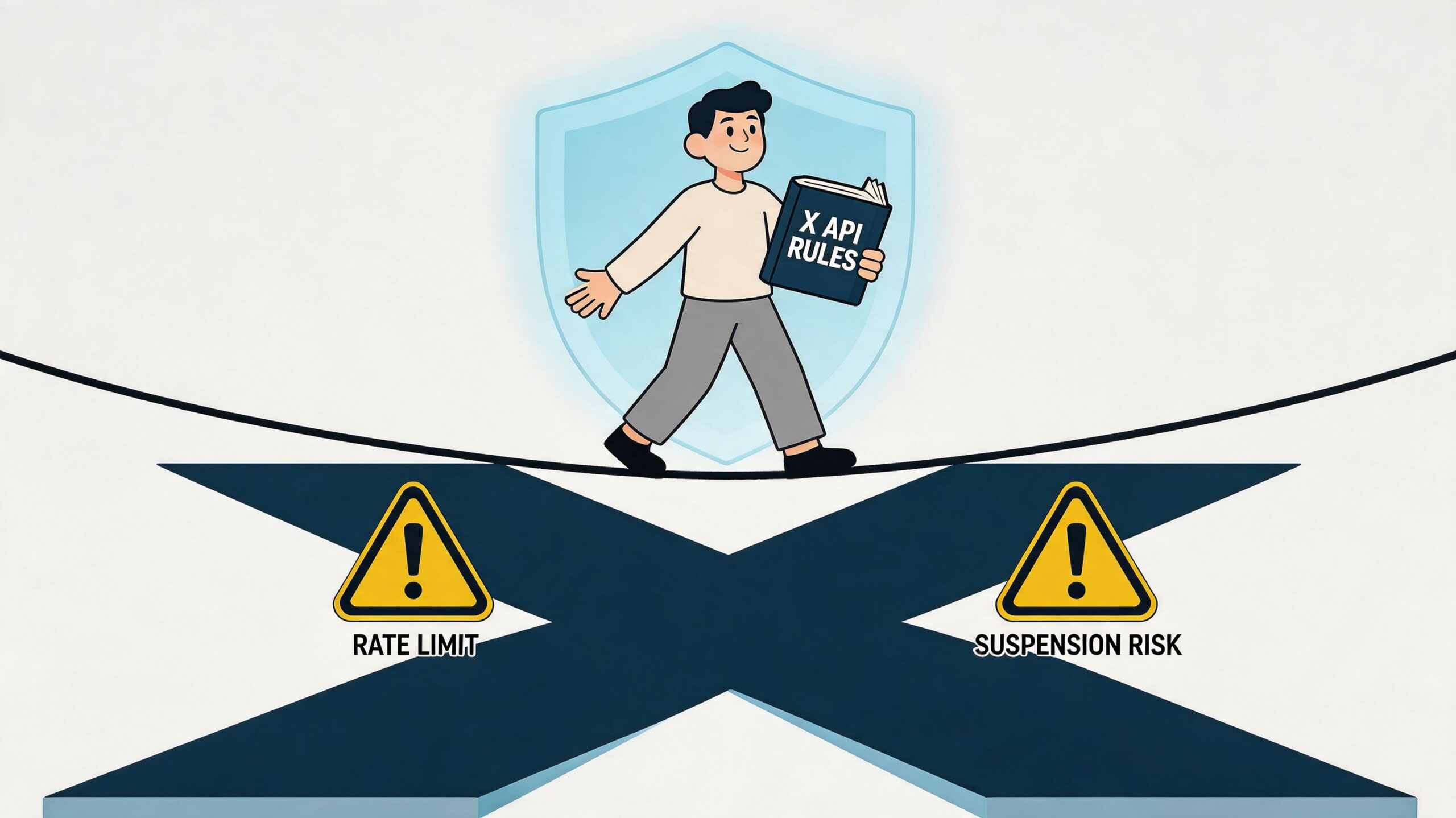
They aren’t. They shape the entire strategy. If your workflow ignores rate limits, repetitive patterns, or obvious bot signals, it doesn’t matter how elegant the content calendar looks.
X’s API v2 includes a Basic tier at $100/month for 100 posts/day, and analysis cited in 2026 guidance says 40% of marketers face suspensions from over-automation. The same analysis says fully automated behavior can trigger a 25% drop in engagement because the account starts looking bot-like (X automation compliance analysis).
Safety-first beats volume-first
A lot of suspended accounts weren’t trying to spam in the old-fashioned sense. They were trying to scale too quickly with repetitive workflows.
That usually looks like:
- Near-identical posts across accounts
- Rigid publishing intervals that look machine-set
- High output with little human interaction
- Auto-generated copy that repeats sentence structures
- Too many connected actions from too few checks
This is why a hybrid model works better than full automation. Let software queue outbound posts. Let people handle timing adjustments, replies, and judgment calls.
Smart precautions that actually matter
You don’t need a complicated compliance framework. You need disciplined operating habits.
- Vary the copy: Don’t publish lightly edited duplicates and call them new content.
- Stagger timing naturally: A perfectly mechanical cadence is easy to spot.
- Keep replies human: Automated replies create risk fast because context changes by the minute.
- Review account health regularly: If reach dips or posts stop getting normal distribution, investigate before increasing output.
- Separate testing from core publishing: Don’t experiment aggressively on your main brand account.
If you’re setting up test accounts, verification workflows, or campaign infrastructure that requires temporary phone verification, a service like receive SMS online can be useful in operational setups. Use any such tool carefully and within platform rules.
The safest automated account still feels slightly uneven in the way real people do. Some posts are sharper than others. Timing shifts. Replies sound situational, not templated.
What not to automate
Some tasks create more downside than upside.
Don’t fully automate direct engagement. Don’t let an LLM post unreviewed hot takes. Don’t run one feed as a mirror of another account. And don’t assume “more posts” is the cure for weak content-market fit.
The strongest long-term posture is simple. Publish with systems. Engage like a person.
Measuring Automation Success and Proving ROI
If your only question is “Did the post go out?”, the workflow is incomplete.
The point of automating twitter posts isn’t just to maintain activity. It’s to create a repeatable publishing engine that improves business outcomes over time. That means reviewing performance with greater discipline than is common in social media efforts.
Track signals that show business value
Likes are useful, but they’re rarely enough on their own.
A better review looks at:
- Reply quality: Are people responding with interest, disagreement, or follow-up questions?
- Link clicks: Which posts move traffic, not just attention?
- Profile visits: Which topics drive curiosity about the account?
- Follower movement: Are new followers arriving after specific post formats or themes?
- Manual versus automated performance: Which style wins more often, and why?
These metrics help you separate “content that looks busy” from content that builds momentum.
Run a simple recurring review
A weekly or monthly review usually surfaces enough direction if the notes are specific.
Ask questions like:
| Review question | Why it matters |
|---|---|
| Which content pillar drove the strongest responses? | Shows where audience interest is concentrated |
| Which scheduled time windows produced the best interaction? | Helps refine queue timing |
| Which automated posts underperformed manual ones? | Reveals where voice or context may be weak |
| Which posts led to business actions like clicks or profile visits? | Connects activity to outcomes |
This is also where historical visibility helps. Looking beyond the platform’s native recent-post limitations can reveal recurring topics, seasonal interest shifts, and formats worth reviving. If you want a practical walkthrough on reading those patterns, how to see Twitter analytics clearly is a solid reference.
Good automation isn’t judged by how much you publish. It’s judged by whether each review cycle makes the next batch smarter.
Use the data to edit the system
When a post underperforms, don’t just blame timing.
Check whether the hook was too broad, whether the idea had already been exhausted, whether the AI draft sounded generic, or whether the post asked for attention without offering value. When something works, save it as source material, not as a template to repeat mechanically.
That feedback loop is what makes automation sustainable. The queue gets better because the team gets sharper, not because the tool gets louder.
Conclusion: Automation with Authenticity
Automating twitter posts works when you treat it as a publishing system, not a substitute for judgment. The software should handle repetition, timing, and queue management. People should handle voice, context, and conversation.
That balance is what keeps an account useful instead of robotic. Build a clean strategy, protect brand voice, stay within platform rules, and review performance often enough to keep improving.
If you want a better way to manage creator content, approvals, campaign coordination, and reporting at scale, explore REACH. It’s built for brands, agencies, and creators who need organized workflows without losing control over quality, collaboration, or performance visibility.
