 Skip to content


You sit down to schedule a week of content, add a teammate, connect one more channel, and suddenly the tool that looked affordable is not affordable anymore. That is usually the point where teams start looking for a free Hootsuite alternative.
Hootsuite still works for established teams with bigger budgets and heavier approval needs. For a freelancer, a small brand, or an agency juggling client accounts, the pricing structure can become hard to justify once users and channels start stacking up. In many cases, the immediate need is simpler. Reliable publishing, a clear content calendar, and enough reporting to spot what is working.
Free tools can cover that. The catch is that free rarely means open-ended. The limit usually shows up somewhere specific: connected social profiles, scheduled posts, analytics history, approval workflows, or access for additional users. Those hidden costs matter more than a long feature list because they determine whether the tool still fits your workflow three months from now.
There is also a practical line between social scheduling and campaign operations. A scheduler helps you plan, publish, and review performance. If your day-to-day work also includes creator approvals, deliverables, usage rights, payment tracking, and campaign coordination, you need a different category of tool. A platform like REACH influencer campaign management software is built for that operational side of influencer work.
This list focuses on what each free plan is good for, where it starts to feel tight, and what kind of team should choose it. That makes the decision easier now, and it helps you avoid picking a tool you will outgrow the moment your process gets a little more complex.
1. Meta Business Suite
If most of your work happens on Facebook and Instagram, Meta Business Suite is the obvious place to start. It's first-party, always free, and usually the cleanest way to publish Stories, Reels, feed posts, and manage incoming messages without relying on a third-party connection.
The biggest advantage is reliability. Native tools tend to support Meta formats faster and with fewer weird publishing issues than external schedulers.
Where it fits best
This is the right pick for a local business, creator, or in-house team that lives inside Instagram and Facebook. If you don't need TikTok, LinkedIn, or Pinterest in the same dashboard, the trade-off is simple and often worth it.
You get a shared calendar, cross-posting options, role controls for Page access, a unified inbox, and basic post insights. For many small teams, that's enough to stay organized without paying for anything.
Use Meta Business Suite when Instagram and Facebook drive most of your results. Don't force a multi-platform tool into the workflow if two platforms matter most.
Hidden cost to watch
The cost isn't money. It's scope.
- Channel limitation: You're locked into Facebook and Instagram, so the moment LinkedIn, TikTok, YouTube, or Pinterest become important, you'll need another system.
- Analytics limitation: The reporting is useful for day-to-day checks, but not ideal if a client wants polished exports or deeper comparison.
- Workflow limitation: It's solid for publishing and inbox management, but weak for broader campaign coordination across channels.
For a lot of solo operators, that's not a problem. For agencies, it usually becomes one quickly.
Visit Meta Business Suite.
2. Buffer
A common scenario. A small team finally gets serious about scheduling, signs up for a tool, and feels organized for about two weeks. Then the free plan starts showing its real boundaries.
Buffer is a strong option if that team values clarity over complexity. The interface is easy to learn, the publishing flow is clean, and the setup rarely turns into a project of its own. For a solo marketer, consultant, or small brand with a modest posting rhythm, that simplicity is the reason to choose it.
What Buffer does well
Buffer works best when the job is straightforward. Plan posts, keep a basic queue moving, and avoid spending half the week inside native apps.
I've found it especially useful for teams that are still building discipline around publishing. New users can learn it quickly, and that matters if you need a tool people will keep using.
- Good for simple multi-channel scheduling: It covers the main networks many small teams care about.
- Good for fast onboarding: Teammates can usually start scheduling without much training.
- Good for clean planning: Queue and calendar views are easy to follow and hard to mess up.
Hidden costs to watch on the free plan
The main trade-off is not usability. It's ceiling.
Buffer's free plan is fine for light use, but it gets tight fast if you post often, manage more than one brand, or need reporting that goes beyond a quick check-in. The limits are manageable when your workflow is simple. They become expensive in practice when every added channel pushes you toward another paid line item.
That pricing model is reasonable for a creator with a small setup. It deserves a closer look for agencies, multi-location businesses, or anyone managing several client accounts. Per-channel billing sounds minor until you map your actual account count across brands and platforms.
Practical rule: Audit your channel count before you commit. Buffer is a good free Hootsuite alternative for a lean workflow, not for a sprawling one.
Buffer is the right fit for teams that want publishing to feel easy and are comfortable giving up depth in exchange. If you already know you'll need heavier analytics, larger post volume, or more room to grow, the free plan can become a short-term stop rather than a lasting system.
Visit Buffer.
3. Publer
Publer is a good fit for people who want more control than Buffer gives them, without jumping straight into a heavy enterprise platform. It's one of those tools that often feels more capable than people expect from a free option.
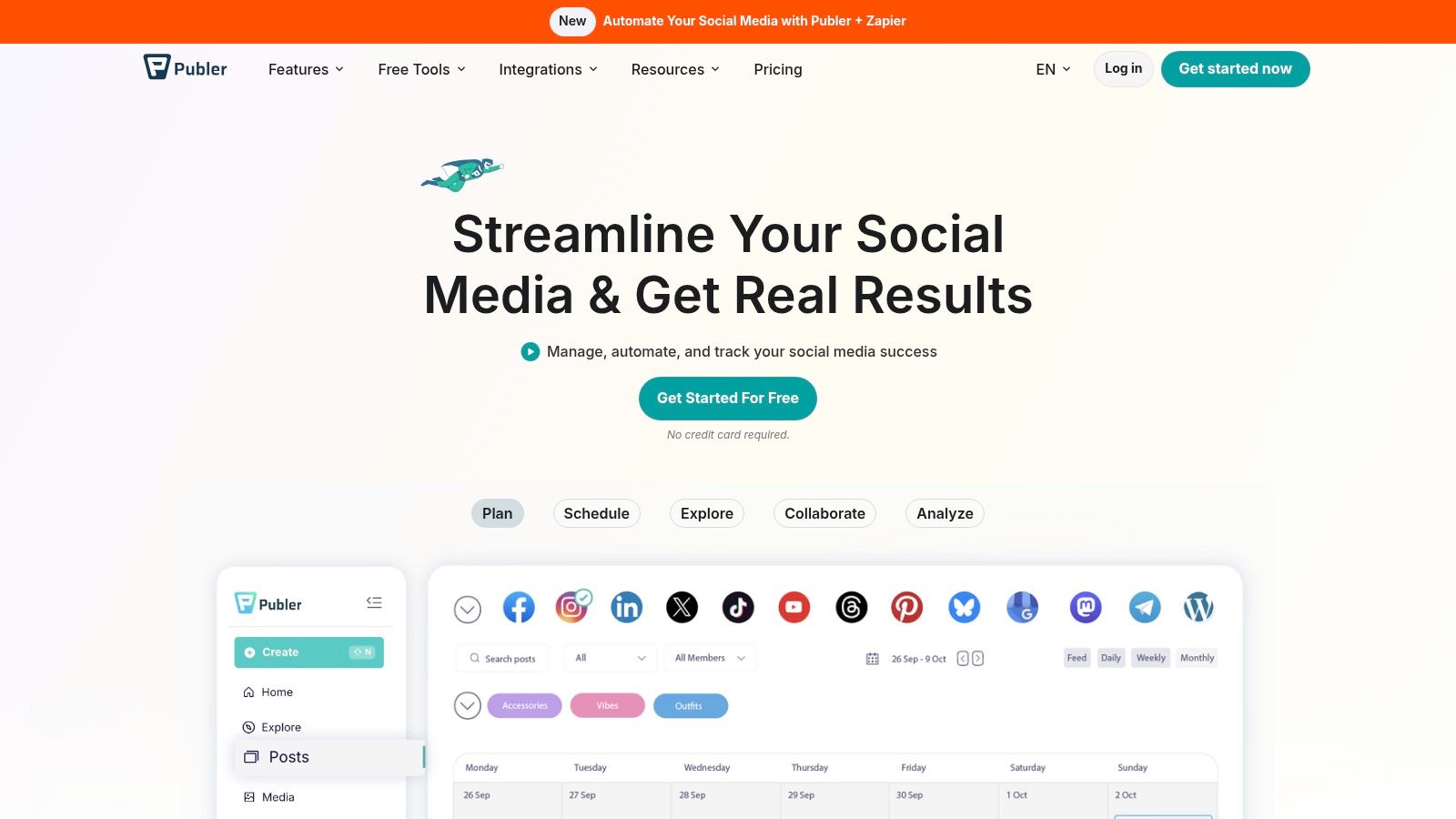
The standout here is workflow flexibility. Bulk upload, post recycling, hashtag support, media management, and broad network support make it attractive to scrappy teams who want to get efficient fast.
Who should use Publer
Publer makes the most sense for a small business, freelancer, or lean agency that wants stronger publishing mechanics. If you repurpose content often, evergreen recycling is useful. If you post to newer or less central channels, Publer's platform support is appealing.
It also suits teams that think visually. The calendar is easy to scan, and the Canva integration helps when your content process is still lightweight.
The trade-offs
Publer's free version gives you enough to test a real workflow, but the hidden costs show up in feature gates rather than immediate pricing pain.
- Analytics depth: Reporting isn't the reason to choose Publer. If clients expect richer analytics, you'll outgrow the free setup.
- Account caps: The free account works for lean setups, not large client rosters.
- Platform caveats: Some networks and deeper publishing options can vary by plan.
Publer is for operators who care more about getting content out efficiently than building a reporting-heavy stack. That's a valid choice. A lot of teams need shipping power first and polish second.
Visit Publer.
4. Metricool
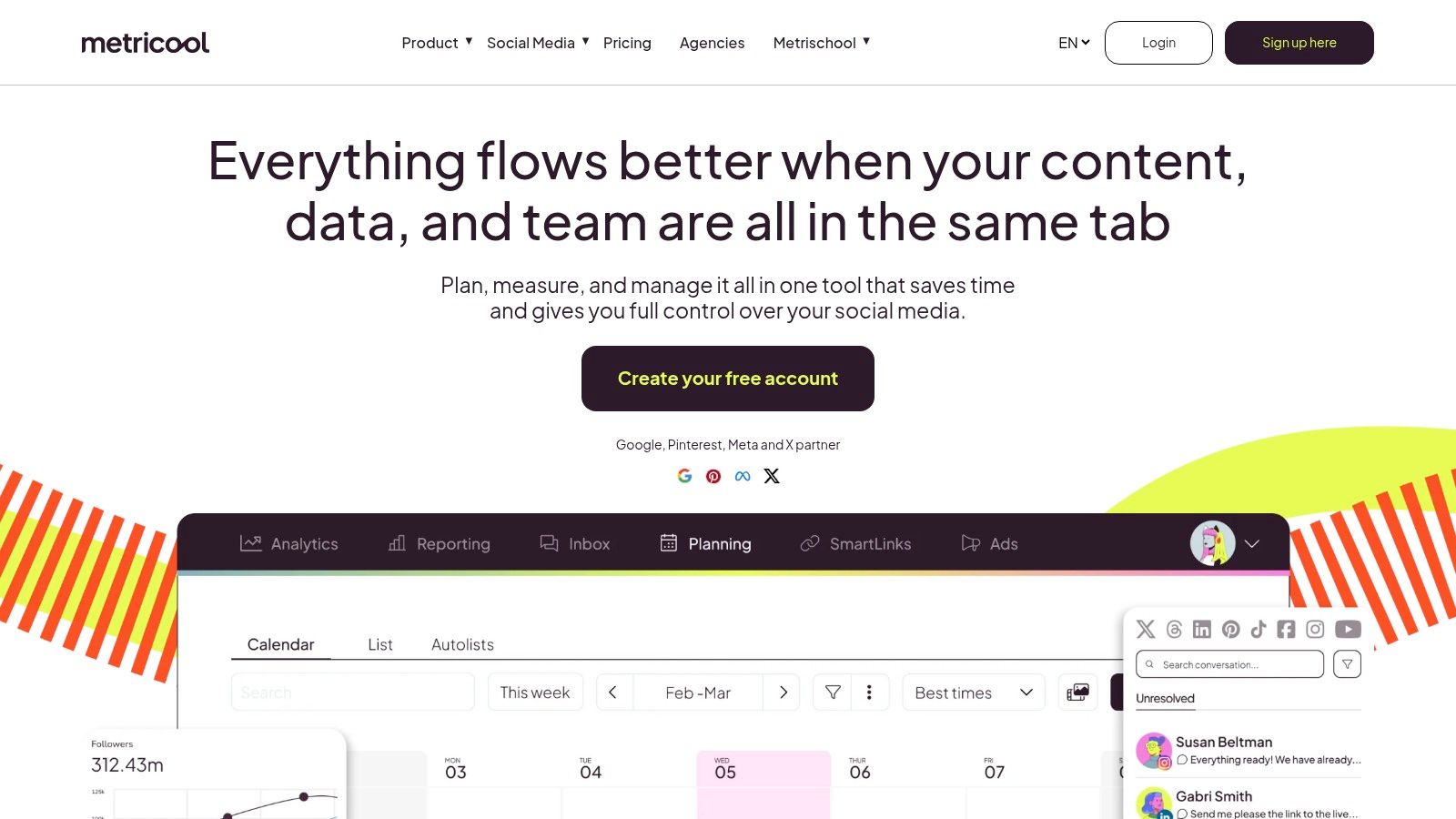
You pick a free tool for scheduling, then realize a month later that the primary limit is not the calendar. It is how little context you get once posts go live. Metricool stands out because it gives you both publishing and performance visibility, which is rare on a free plan.
Why marketers like Metricool
Metricool fits a specific kind of operator. Someone managing one brand, watching results closely, and trying to make better posting decisions without paying for a full reporting stack.
The appeal is not just that you can schedule content. It is that you can review post performance, track trends over time, and keep an eye on competitors from the same workspace. For a solo marketer or in-house team with one main brand, that makes the free plan feel more strategic than a basic queueing tool.
I usually recommend Metricool to teams that care about reporting discipline early. If your workflow already includes weekly check-ins, content reviews, or channel-by-channel performance tracking, this tool makes more sense than a free plan built almost entirely around publishing.
The hidden cost
The free plan is best treated as a one-brand testing ground.
That is the trade-off that matters most. If you run one company account and want better visibility into what is working, Metricool can hold up well. If you are a freelancer, agency, or consultant juggling several clients, the free version starts to break down fast because brand limits become the primary bottleneck.
There is also a common upgrade trap here. Metricool is attractive because it gives you enough reporting to build habits around analytics, but once your team adds another brand, needs a wider history window, or wants a more mature client workflow, the free setup stops fitting the job. That is the hidden cost with tools like this. You do not hit the wall on day one. You hit it right when your process starts getting better.
Metricool is a good free choice for one brand that wants reporting and scheduling in the same place. It is a weaker fit for multi-client work, approvals, or teams trying to stay free for the long term.
Visit Metricool.
5. Zoho Social
Zoho Social's free edition doesn't get as much attention as Buffer or Metricool, but it's a sensible choice if you want a practical dashboard and already use other Zoho products. It feels like business software in the best and worst ways. Stable, useful, and less flashy.
The biggest win is that it can fit neatly into an existing operating system. If your sales or support workflows already live inside Zoho, this is a much easier sell.
Best use case
Zoho Social works well for a small organization that needs one brand managed across core channels, with basic scheduling and monitoring in place. It also works for consultants who don't need a design-forward interface and would rather have something steady.
You get scheduling, a built-in shortener, limited analytics, and a clear upgrade path if your process grows more complex.
Real-world trade-offs
This isn't the tool I'd choose for a highly visual brand or a creator-led business that needs lots of approval rounds. It's more operational than creative.
- Good fit: Small teams, service businesses, organizations with straightforward posting needs.
- Less ideal: Agencies that need polished collaboration and richer client-facing reports.
- Upgrade pressure: Best-time posting, stronger reports, approvals, and inbox tools sit on paid plans.
Zoho Social is a quiet option. If your needs are plain and your systems are already Zoho-heavy, quiet can be a good thing.
Visit Zoho Social.
6. Pallyy
Pallyy is one of the better lightweight tools for visually driven brands. It feels focused instead of overloaded, which is useful when your content process already has enough moving parts.
The free plan is simple to understand. You get one social set and a limited posting allowance, which makes it best for a single brand with a modest cadence.
Where Pallyy shines
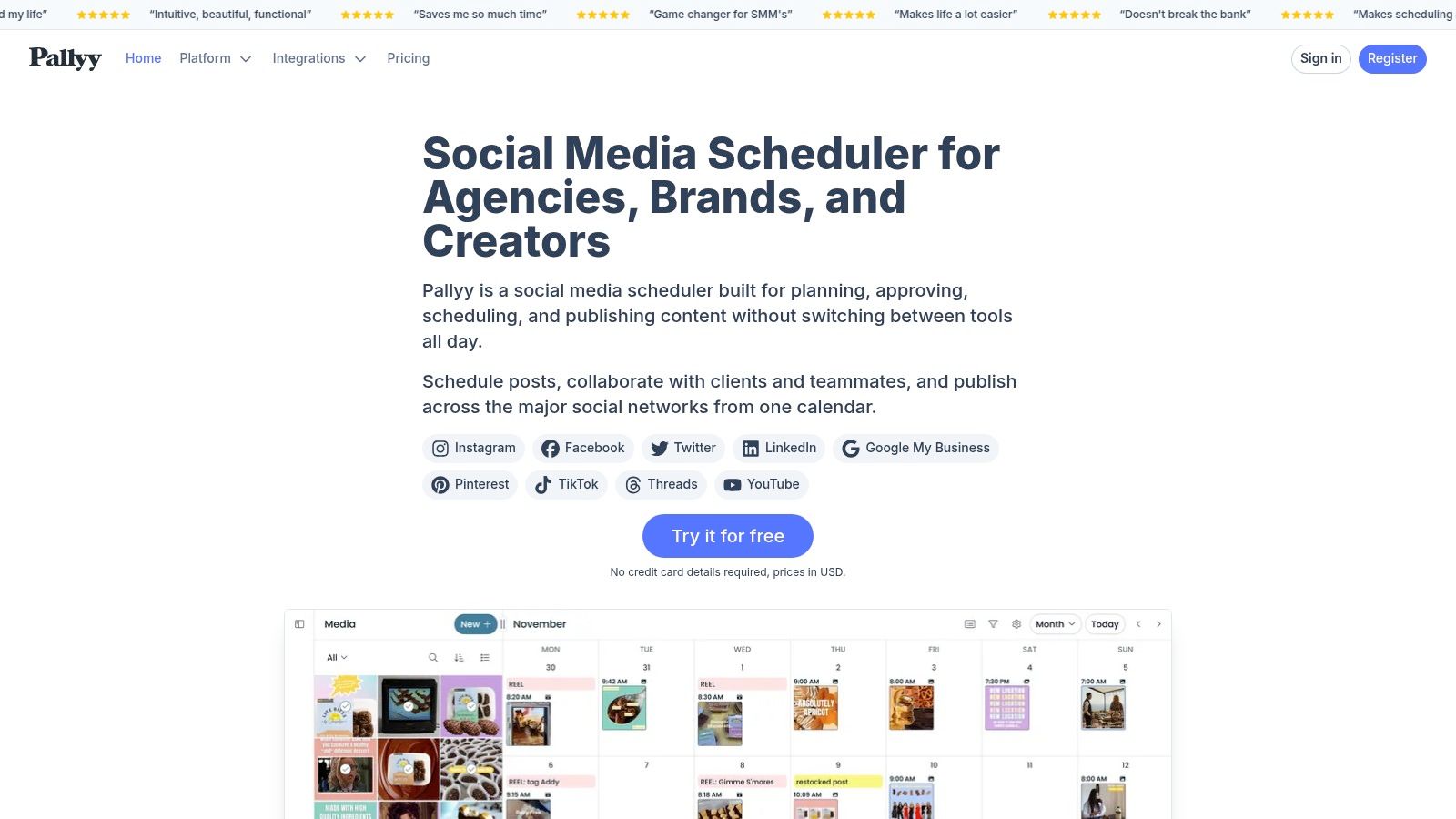
Pallyy is good for creators, boutiques, restaurants, salons, and visual-first small businesses. The Instagram grid preview is useful, and the client-sharing style workflow is cleaner than what many low-cost tools offer.
If your brand lives on aesthetics and you don't need deep analytics yet, Pallyy feels refreshingly direct.
The hidden cost is volume
The free plan allows 15 scheduled posts per month. That sounds workable until you map it against real publishing needs.
A brand posting a few times per week across formats will hit that cap quickly. If you publish feed content, Stories planning outside the tool, and campaign extras, the free plan becomes a sampler, not a system.
Free plans often look generous until you map them to a monthly calendar. Always build a real posting month before choosing your tool.
Pallyy is worth considering if visual planning matters more than broad multi-platform management.
Visit Pallyy.
7. Tailwind
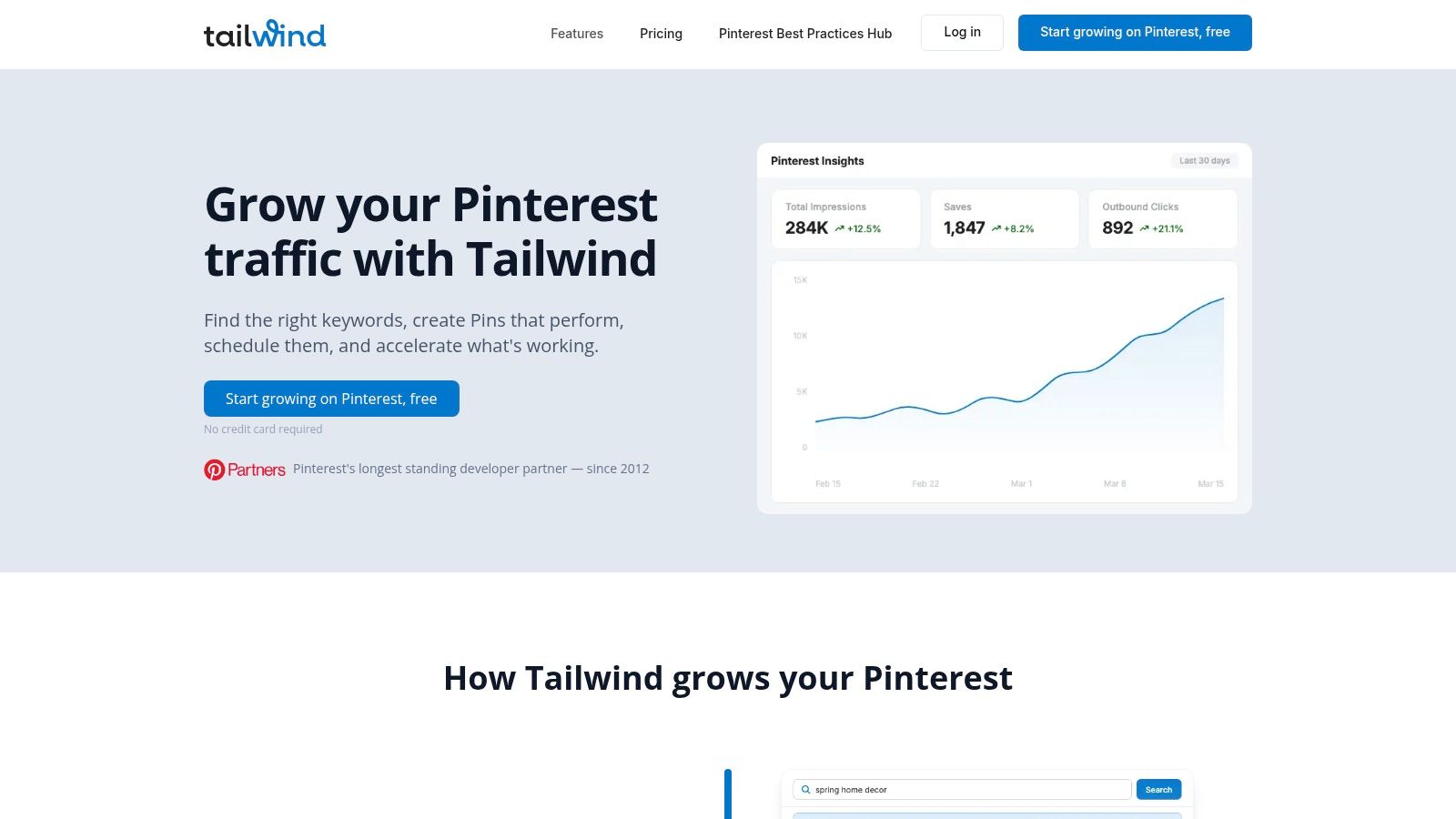
Tailwind still matters if Pinterest is a meaningful channel for you. That's the key filter. If Pinterest drives traffic or product discovery for your business, Tailwind deserves a look. If it doesn't, this probably isn't your best free hootsuite alternative.
Its Free Forever plan includes 5 posts per month across Instagram, Pinterest, and Facebook. That's a very small allowance, but for testing or very occasional scheduling, it has a place.
Why some teams still pick it
Tailwind has long been associated with Pinterest workflows, and that focus shows. SmartSchedule and the educational side of the platform are often more useful than the raw post count.
For product businesses, bloggers, and creators who still get meaningful results from Pinterest, that specialization can matter more than broad platform support.
Why many teams outgrow it fast
This is one of the clearest examples of a free plan that's more trial than operating system.
- Very low monthly volume: Five posts disappear quickly.
- Limited cross-network usefulness: If your real strategy spans several channels, Tailwind won't cover enough ground on free.
- Better for channel specialists: You need a reason to care about Pinterest enough to accept the narrow setup.
If Pinterest is central, Tailwind is relevant. If Pinterest is secondary, a broader scheduler is generally recommended.
Visit Tailwind.
8. Planable
A common breakdown happens after the content is written. The social manager drafts the post, the client comments in email, someone else sends a revised caption in Slack, and approval gets buried. Planable is built for that kind of workflow more than for pure scheduling volume.
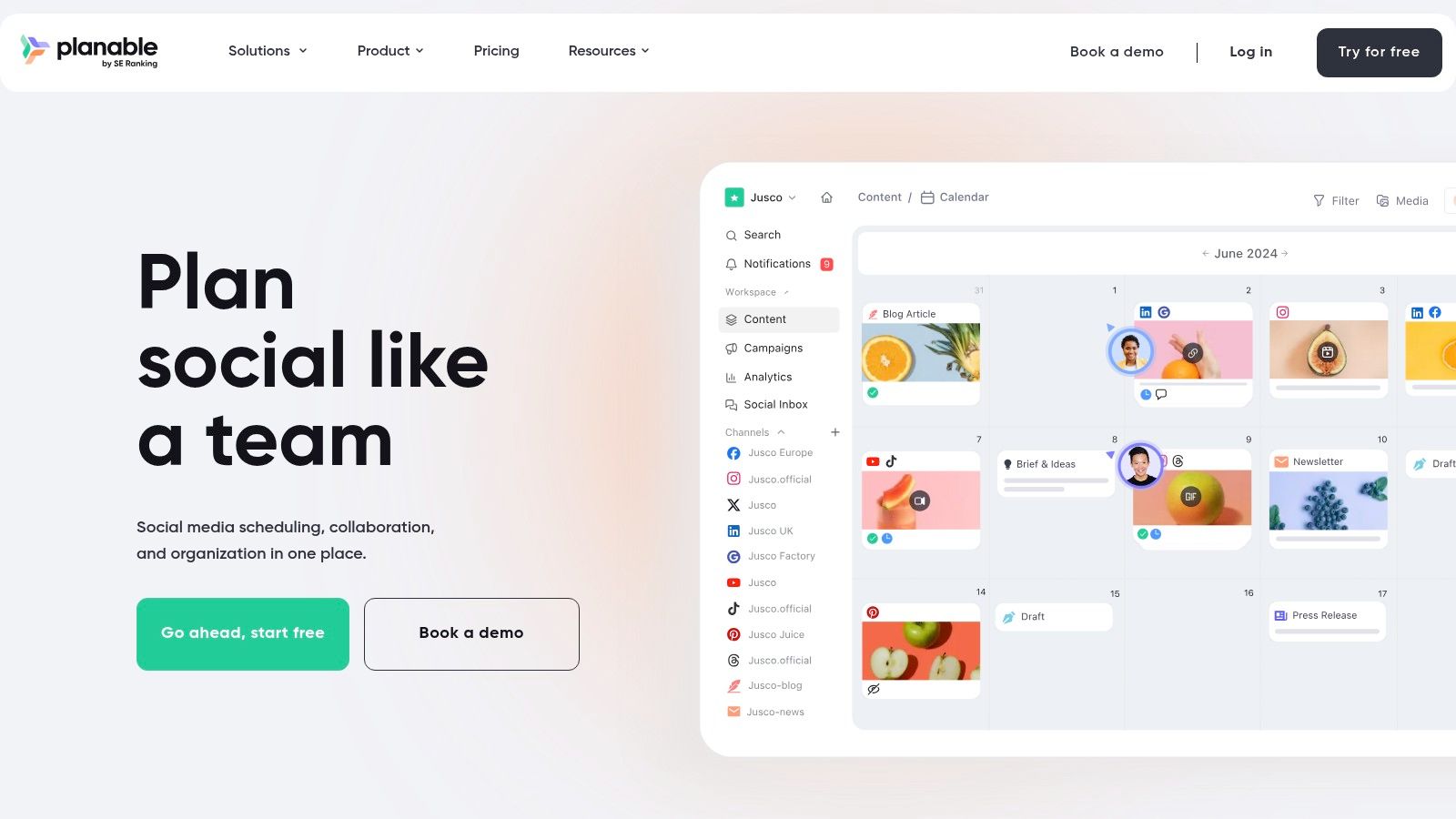
Best for approvals and client feedback
What stands out on the free plan is the collaboration setup. You get unlimited users and workspaces, which is unusual for a free social tool and useful for agencies, freelancers with several clients, or in-house teams that need multiple approvers in the loop.
The hidden cost sits in the posting limit. Planable caps the free plan at 50 total created posts for the lifetime of the account, not per month.
That changes the math fast.
A team that drafts heavily, revises often, or builds content well ahead of schedule can burn through that allowance much sooner than expected. For that reason, Planable works best as a trial run for your approval process, a short campaign workspace, or a client-facing review environment before you commit to a paid tool.
Where it fits, and where it doesn't
Planable is strongest when feedback and sign-off are the primary bottleneck. Comments, approvals, and content presentation are the reason to use it.
The trade-off is that the free tier is not a realistic long-term operating setup for active publishing teams. If you need ongoing scheduling at volume, broader reporting, or social inbox coverage, you will hit the feature gate early and need to upgrade or pair it with another tool.
I usually point teams toward Planable when they already know their process problem is internal review. If the bigger issue is publishing scale, analytics, or day-to-day channel management, another free Hootsuite alternative will usually last longer.
Visit Planable.
9. Plann
Plann is built for the Instagram-first crowd. If you care about how your grid looks, want a mobile-friendly planner, and don't need broad multi-network management, it's a solid niche option.
The free plan covers one Instagram account with up to 30 posts per month, media storage, and basic analytics. For a solo creator or early-stage brand, that's enough to establish consistency.
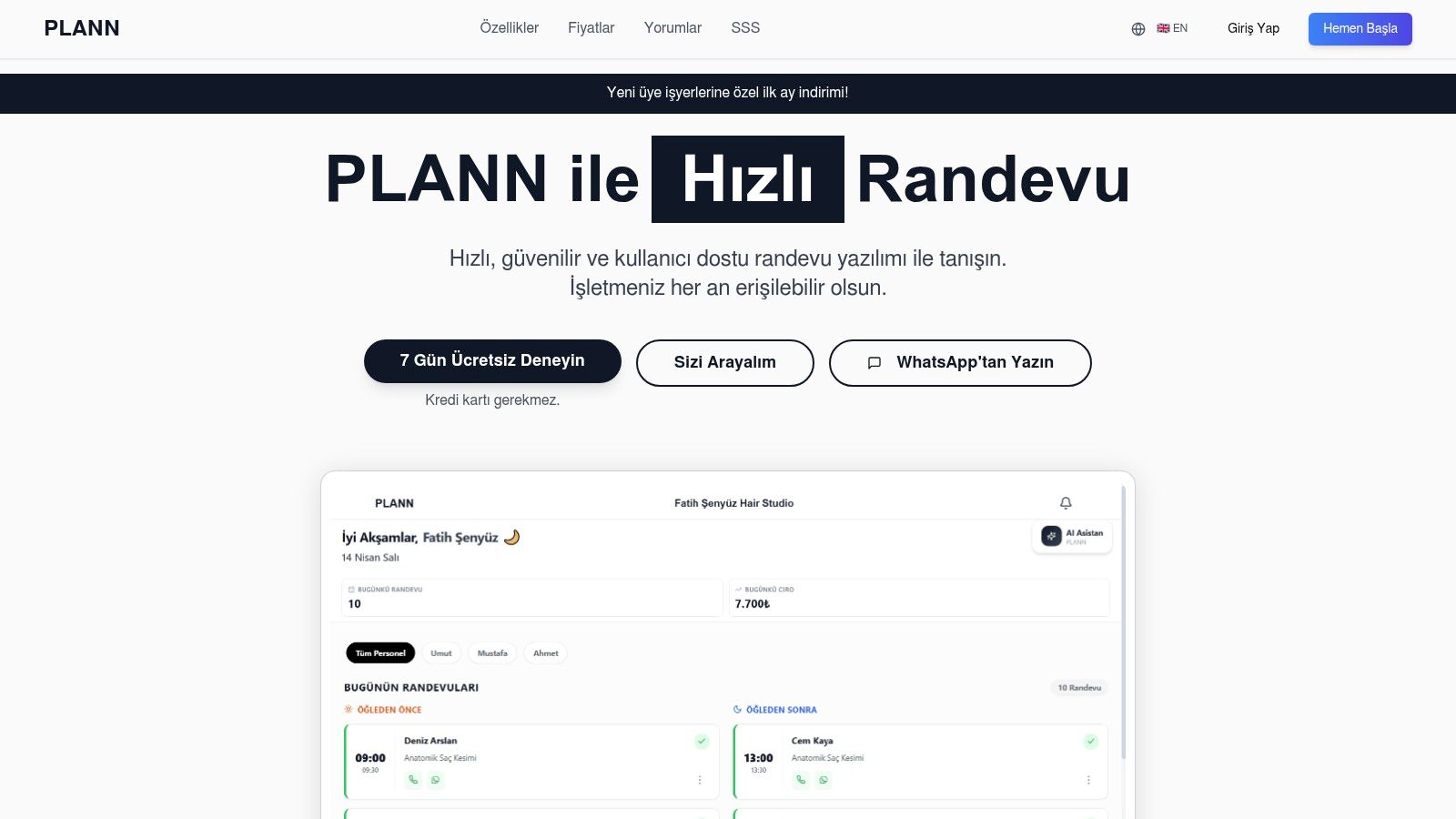
When Plann makes sense
Plann is best for solo operators who want visual planning without complexity. Coaches, beauty creators, boutiques, and personal brands tend to like tools like this because they can organize content without learning a larger social suite.
The strategy prompts and grid planning also help if your issue isn't publishing mechanics but staying creatively consistent.
What it won't do well
Plann gets restrictive the moment your workflow expands.
- Instagram-only on free: If you need TikTok, Facebook, LinkedIn, or Pinterest, you'll need another tool or an upgrade.
- Solo-friendly more than team-friendly: It's not the best system for shared workflows.
- Best for content planning, not operations: Once approvals, reporting demands, or campaign coordination grow, the fit weakens.
Plann is good for staying organized on Instagram. It's not the right answer for a broader social program.
Visit Plann.
10. CoSchedule
CoSchedule's Free Marketing Calendar sits in a slightly different category. It's not just about scheduling social posts. It's about seeing social alongside blog content, campaigns, and editorial work in one place.
That makes it appealing to solo marketers and very small teams who think in campaigns rather than isolated posts.
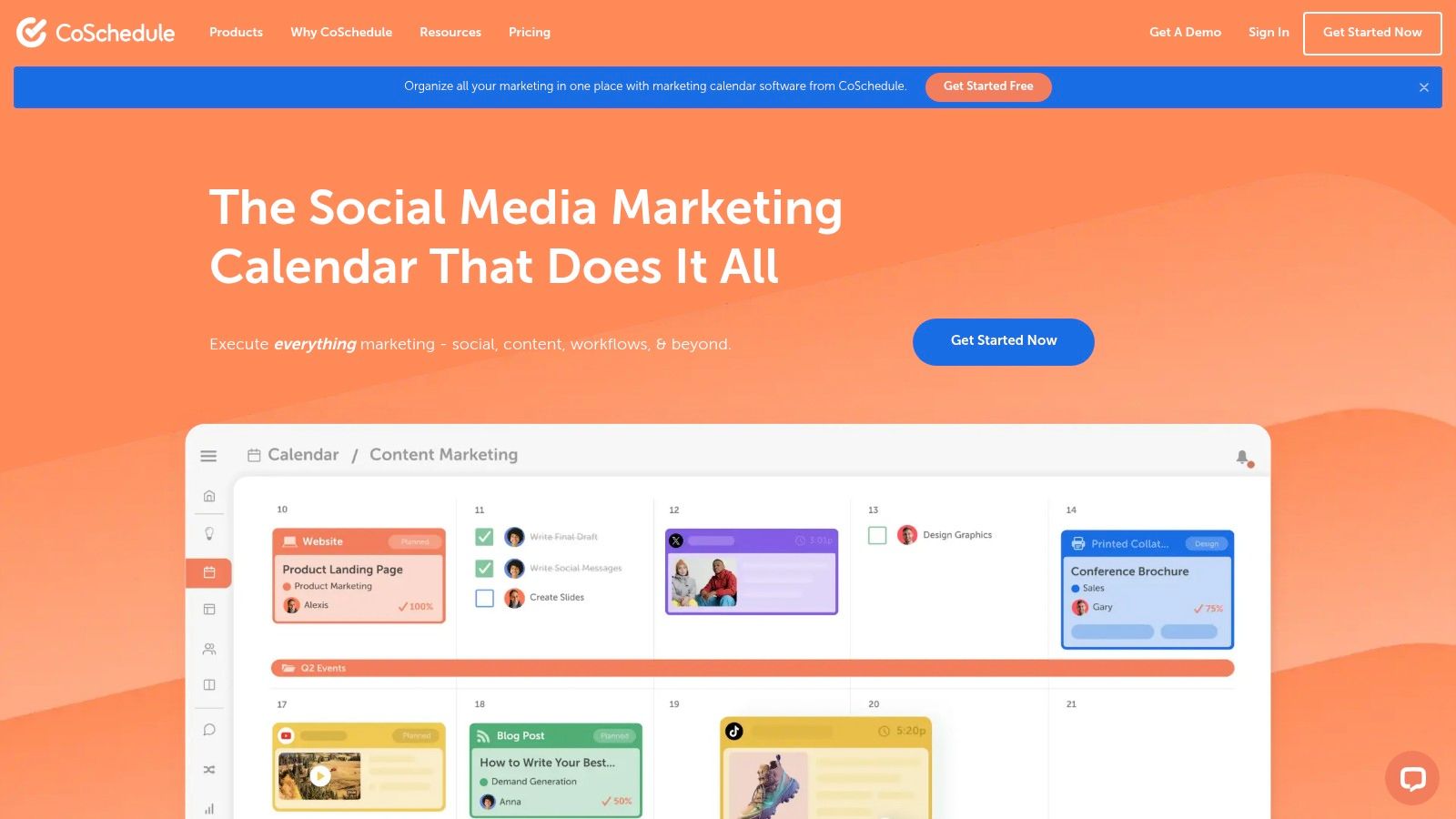
Why CoSchedule stands out
If you manage content marketing and social together, the single-calendar view is useful. You can coordinate a blog launch, promo posts, and follow-up content without bouncing between multiple tools.
For one person wearing several hats, that organization can be more valuable than deep channel support.
The catch
The free plan is narrow. You get one connected social profile and a limit on scheduled or drafted posts at a time.
That means CoSchedule is less a replacement for Hootsuite at scale and more a lightweight planner for a marketer who wants structure. If your social work is part of a broader editorial system, that's a strong fit. If you need active multi-channel publishing, you'll likely outgrow it fast.
For teams balancing content calendars with creator campaigns, the split becomes clear. CoSchedule helps with editorial visibility. REACH helps when campaign execution includes creators, assets, approvals, and payment workflows in one place.
Visit CoSchedule.
Top 10 Free Hootsuite Alternatives, Quick Feature Comparison
| Platform | Core features | UX / Quality | Price / Value | Target audience | Standout (USP) |
|---|---|---|---|---|---|
| Meta Business Suite (Facebook + Instagram) | First‑party FB & IG scheduling, Stories/Reels publishing, unified inbox, role controls | ★★★★ native reliability | 💰 Free forever, no seat limits | 👥 Brands & agencies focused on FB/IG | ✨ First‑party Reels/Stories publishing; 🏆 no cost |
| Buffer (Free plan) | Multi‑network scheduling, queue/calendar, basic analytics, AI captions | ★★★★ easy & reliable | 💰 Free plan (limited profiles); paid per-channel | 👥 Small teams & beginners | ✨ Broad channel coverage, simple UX |
| Publer (Free plan) | Many platforms, bulk upload, evergreen recycling, media library | ★★★★ feature‑rich for free | 💰 Free supports up to 3 accounts (caps apply) | 👥 Small teams needing automation | ✨ Bulk/evergreen tools on free tier |
| Metricool (Free plan) | Publish + analytics, unified inbox, competitor tracking | ★★★★ data‑forward | 💰 Free for single brand; reports gated to paid | 👥 Data‑minded brands planning upgrades | ✨ Clear path to richer analytics |
| Zoho Social (Free edition) | Schedule core channels, URL shortener, basic monitoring | ★★★ integrated with Zoho suite | 💰 Free Brand (6 channels); paid for advanced | 👥 Small teams using Zoho apps | ✨ Tight CRM & Zoho app integration |
| Pallyy (Free plan) | One Social Set, 15 posts/mo, IG grid preview, basic analytics | ★★★ visually clean & simple | 💰 Free (15 posts/month cap) | 👥 Creators & small businesses | ✨ Intuitive grid preview & approvals |
| Tailwind (Free Forever) | Pinterest + IG + FB, SmartSchedule, AI creative credits | ★★★ Pinterest‑first tools | 💰 Free Forever (5 posts/month) | 👥 Pinterest‑focused creators/marketers | 🏆 Official Pinterest partner; AI tools |
| Planable (Free plan) | Visual calendar, multi‑format previews, multi‑step approvals | ★★★★ collaboration‑first | 💰 Free (unlimited users; 50 total posts lifetime) | 👥 Agencies & clients needing approvals | ✨ Robust approval & feedback flows |
| Plann (Free Forever for 1 Instagram account) | IG visual planner, 30 posts/mo, media storage, strategy prompts | ★★★ mobile‑first IG planner | 💰 Free Forever (1 IG, 30 posts/mo) | 👥 Solo Instagram creators | ✨ Visual grid & strategy prompts |
| CoSchedule (Free Marketing Calendar) | Unified editorial + social calendar, AI copy help, basic scheduling | ★★★ unified content view | 💰 Free Calendar (1 profile, ~15 posts limit) | 👥 Content marketers coordinating campaigns | ✨ Single calendar for content + social |
Find Your Perfect Fit and Start Scheduling for Free
A free social tool rarely breaks on day one. The friction shows up later. You queue a full week of posts, then hit the monthly cap. A teammate needs approval access, but that sits behind a paid tier. One client asks for LinkedIn or Pinterest, and your free plan suddenly stops fitting the work.
That is the decision.
The strongest free Hootsuite alternative is the one that matches how your team works today, while leaving enough room for the next stage. The hidden cost usually shows up in three places: profile limits, posting caps, and feature gates around reporting, approvals, or collaboration. Those limits matter more than a long feature list because they shape how much manual work your team carries every week.
Start with the first point where your workflow is likely to strain.
- Meta Business Suite fits teams focused almost entirely on Facebook and Instagram. It works well if cross-channel scheduling is not part of the job.
- Buffer suits solo marketers or small teams that want a clean setup and basic scheduling without much training time.
- Publer is a practical pick for teams that want flexible scheduling and post recycling, and can live with lighter reporting.
- Metricool makes more sense if performance tracking matters almost as much as publishing.
- Zoho Social fits businesses already using Zoho tools and wanting social activity closer to CRM and day-to-day operations.
- Pallyy and Plann are best for Instagram-first workflows where visual planning matters more than broad channel coverage.
- Tailwind still earns its place for brands that get real traffic or sales from Pinterest.
- Planable is for teams that lose time in review cycles and need approvals to happen inside the tool.
- CoSchedule works best when social posts are part of a larger editorial calendar, not a separate process.
Free can still be expensive.
I have seen teams save money on software and lose it back in labor. They rebuild reports by hand, chase feedback in Slack, and split publishing across multiple tools because the free plan covers only part of the workflow. At that point, the price tag says free, but the process says otherwise.
Choose based on the next six months, not just this week. A solo creator can stay on a narrow free plan for quite a while. A small agency usually runs into limits faster because every new client adds profiles, approvals, and reporting requests.
There is also a line between scheduling content and running creator campaigns. Once the work includes outreach, deliverables, usage rights, approvals, and payments, a social scheduler handles only one piece of the job. If you need publishing plus creator operations, use a scheduler for the content calendar and a dedicated platform for campaign management. REACH helps brands and agencies manage creator communication, approvals, deliverables, payments, and compliance in one place.
If your current free tool saves subscription cost but creates admin work every week, switch sooner. That usually costs less than stretching a plan that no longer fits.
