
You’ve probably done this the hard way already. One caption for Instagram. Another version for Facebook. Separate inboxes. Separate reporting. Separate approvals. Then a campaign goes live and someone asks why the post on one platform drove comments while the other drove clicks, and nobody has a clean answer.
That’s why linking instagram to facebook matters more than most tutorials admit. It isn’t just a convenience setting. It’s the operating layer that connects publishing, ads, commerce features, permissions, and performance tracking inside Meta’s ecosystem.
For brands, creators, and agencies, the primary value starts after the connection is made. A linked setup can reduce repetitive work, provide access to business tools, and make cross-platform campaigns easier to manage. It also creates a cleaner foundation for the workflows that usually break first: role access, content approvals, and ROI tracking.
Meta description: Linking Instagram to Facebook helps brands and agencies streamline publishing, access Meta tools, manage client accounts, and measure campaign ROI with fewer reporting gaps.
Unifying Your Social Presence Beyond Simple Convenience
Organizations often start by linking accounts because they want to save time. That’s reasonable. Manual posting across two platforms creates duplicate work, and duplicate work usually leads to inconsistency. A campaign launches on Instagram with the right creative, but Facebook gets an outdated version. A team member has access to one account but not the other. Reporting ends up split across screenshots and exports.
The technical connection fixes part of that. The strategic value is much bigger.
When you link Instagram and Facebook, you’re creating a shared operating environment inside Meta. That affects how you publish, how you assign access, how you build audiences, and how you track outcomes. It also reduces the number of handoffs that create mistakes. That matters whether you’re running one brand account or coordinating multiple client campaigns.
A lot of marketers treat this as a setup chore. That’s a mistake. It’s closer to infrastructure.
Linking the accounts doesn’t replace strategy. It removes friction so strategy can actually run.
The practical upside shows up fast:
- Publishing gets cleaner: Teams can coordinate cross-platform content without jumping between disconnected tools.
- Permissions become more manageable: Access can be reviewed with more discipline when the setup is tied to business assets instead of personal logins.
- Campaigns scale more smoothly: A connected environment supports approvals, scheduling, and reporting with fewer manual patches.
- Handoffs improve: Creative, paid social, and influencer teams can work from the same foundation.
For teams trying to grow across channels, the bigger issue isn’t whether linking is possible. It’s whether your workflow is built to use the connection properly. That’s where the broader operational side becomes important, especially for agencies handling many accounts at once. This is also why broader thinking around cross-platform growth strategies matters more than a one-click setup guide.
The Strategic Advantage of Linking Instagram to Facebook
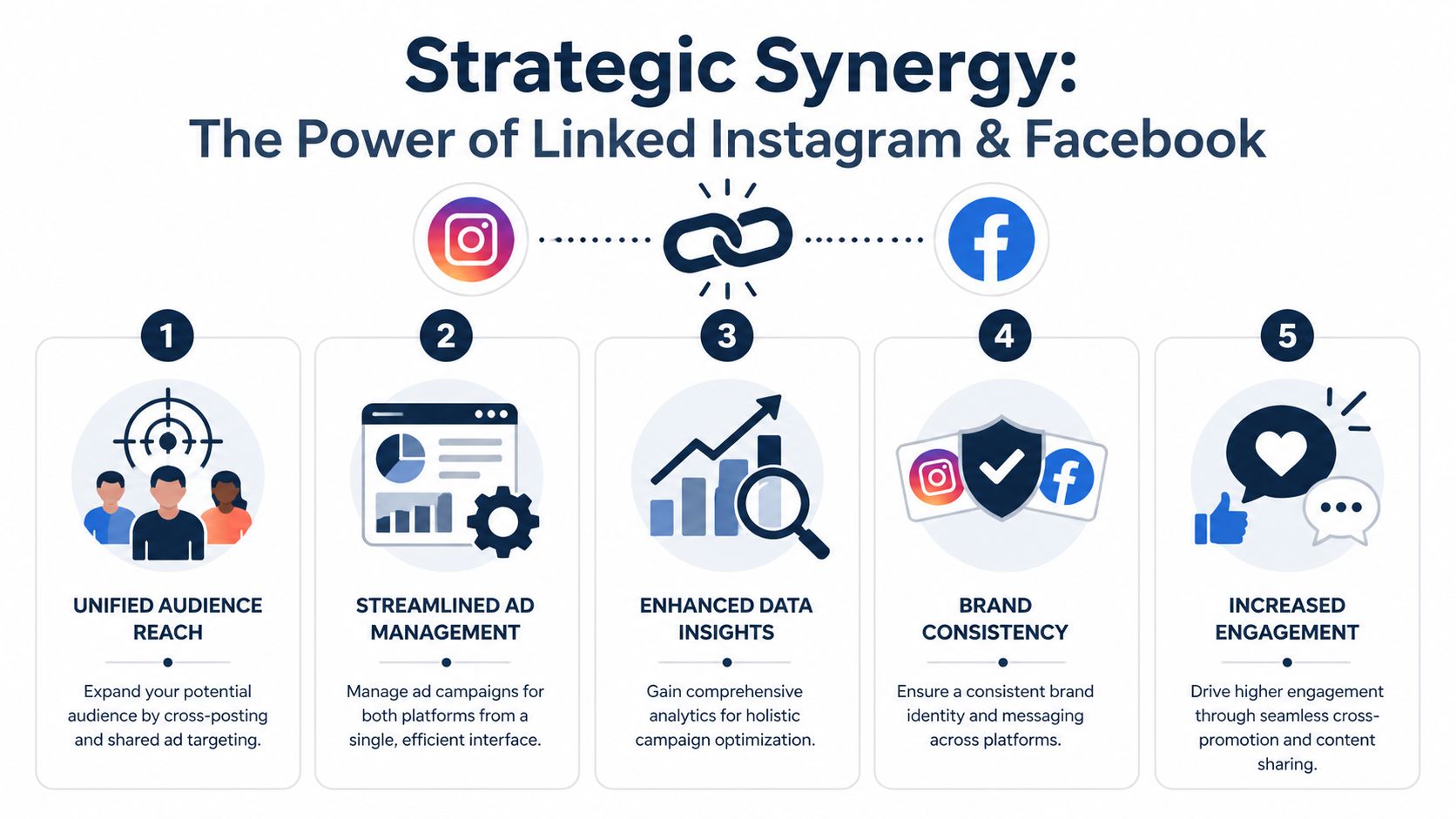
Treat linked accounts as a growth lever, not a posting shortcut. The strongest reason is reach. Facebook has 3.1 billion monthly active users and Instagram has 3 billion monthly active users, creating a combined opportunity that is massive for brands with multi-platform audiences, according to AdStellar’s guide to linking Facebook and Instagram.
Reach is only the first gain
A larger addressable audience sounds obvious, but the primary advantage comes from unified execution. AdStellar reports that brands using unified Facebook-Instagram campaigns achieve up to 28% higher engagement-to-conversion rates than brands managing siloed accounts, and that linking can reduce campaign setup time by 40% when the workflow is integrated across both platforms.
That matters because fragmentation costs more than time. It affects targeting, approvals, reporting, and creative consistency. Teams that run Facebook and Instagram separately often duplicate setup, duplicate communication, and duplicate troubleshooting.
A linked setup helps with several day-to-day realities:
| Area | What improves when accounts are linked |
|---|---|
| Publishing | Shared scheduling and simpler cross-platform execution |
| Ads | Better coordination across Meta tools |
| Brand consistency | Easier alignment on messaging and creative |
| Operations | Fewer manual workarounds between teams |
| Measurement | Cleaner starting point for cross-platform analysis |
What works and what doesn't
What works is linking the accounts and then tailoring the output for each platform. What doesn’t work is assuming the same exact post should run unchanged everywhere just because the connection exists.
That distinction matters. Instagram and Facebook don’t reward identical behavior from audiences, even when they sit inside the same ecosystem. The smart move is to use linked infrastructure for efficiency, then customize captions, formats, and calls to action so each post still feels native.
Practical rule: Link the backend. Customize the front end.
Broader planning becomes more useful than simple setup instructions. If you’re building a content calendar, paid campaign, or influencer rollout, these actionable social media strategies help frame when consistency matters and when platform-specific execution matters more.
Why this matters more for campaigns
The more moving parts you have, the more valuable the connection becomes. Product launches, creator partnerships, and paid amplification all benefit from a shared foundation. AdStellar also notes that Instagram Reels receive over 200 billion plays daily, which shows how much distribution potential exists inside Meta’s ecosystem when content formats and account structures are aligned in the right way.
For teams running campaign-based marketing, linking Instagram to Facebook stops being optional pretty quickly. It becomes the baseline for organized execution.
A Practical Guide to Linking Your Accounts
The process depends on what kind of account you manage. A personal user can connect profiles through Accounts Center. A brand, creator, or agency usually needs a more disciplined setup because the goal isn’t just connection. The goal is access to Meta business tools without breaking permissions.
Linking personal profiles through Accounts Center
If you’re linking a personal Instagram account to a Facebook profile for simpler cross-sharing, the path is straightforward:
- Open Instagram and go to Settings and privacy.
- Tap Accounts Center.
- Choose the option to add or connect a Facebook account.
- Log in and confirm the connection.
- Review sharing settings before you publish anything.
That setup is enough for basic convenience. It can help if you want easier profile management and optional content sharing across both platforms. But personal linking has limits. It won’t give a business what it needs for ad workflows, Page access, or serious campaign management.
Linking a business or creator account to a Facebook Page
This is the setup that matters for brands and agencies.
According to Red Pandas’ analysis of why Facebook and Instagram ad campaigns fail, linking an Instagram business account to a Facebook Page is a prerequisite for advanced Meta features. They also report that the process fails in 70% to 80% of initial attempts because teams miss common requirements such as account type or admin permissions.
The clean method is specific.
Step 1
Convert the Instagram account to a professional account. If the account is still personal, stop there and switch it first. Without that change, the rest of the setup tends to fail or leave important business features unavailable.
Step 2
Confirm the correct Facebook Page and the correct role. Red Pandas notes that access problems are one of the main reasons teams get blocked. If the person making the connection doesn’t hold the Business Administrator role on the target Page, the link often won’t complete properly.
Step 3
Inside Instagram, go to Edit Profile, then Public Business Information, then Page. Select Connect to an Existing Page and authenticate the connection.
Step 4
Open Business Manager and verify that the Instagram account appears in the correct place. Don’t skip this step. A connection that looks done in the app can still be misaligned in the business backend.
If the account link succeeds but reporting or ad delivery looks off later, the problem often started with permissions, not creative.
For a visual walkthrough, this video covers the mechanics clearly:
The failure points teams hit most often
The technical steps are simple. The operational mistakes aren’t.
- Wrong account type: Teams try to connect a personal Instagram account and then wonder why business features aren’t available.
- Weak Page access: Someone has partial Facebook permissions but not the level needed to complete or verify the connection.
- Wrong Page selection: This happens often in agencies or multi-brand environments.
- No backend verification: The account seems connected in Instagram, but Business Manager doesn’t reflect the setup cleanly.
Red Pandas reports that this business-level connection can boost ad reach by 30% to 50% when configured correctly. That’s why a sloppy setup costs more than a few minutes of troubleshooting. It can affect campaign distribution and tracking quality.
A simple pre-flight checklist
Before linking a business account, check these in order:
| Check | Why it matters |
|---|---|
| Instagram is professional | Required for business features |
| Correct Facebook Page identified | Prevents linking the wrong asset |
| Business Administrator role confirmed | Avoids permission failures |
| Business Manager verification planned | Confirms the setup is usable |
If your workflow includes scheduled publishing after setup, it helps to review practical guidance on scheduling Facebook posts so the connection leads directly into a usable content process instead of stopping at the technical link.
Leveraging Linked Accounts for Advanced Marketing
Single-account tutorials leave out the part that causes stress in agency environments. The hard part isn’t connecting one Instagram profile to one Facebook Page. The hard part is controlling dozens of linked relationships without creating confusion, access drift, or posting mistakes.
That’s where account structure matters.
The agency problem most guides ignore
The key gap is operational design. The background material on multi-account management highlights that most basic tutorials don’t address permission hierarchies, role assignment, access revocation, or approval logic across many client accounts, as discussed in this YouTube discussion on linking and account management gaps.
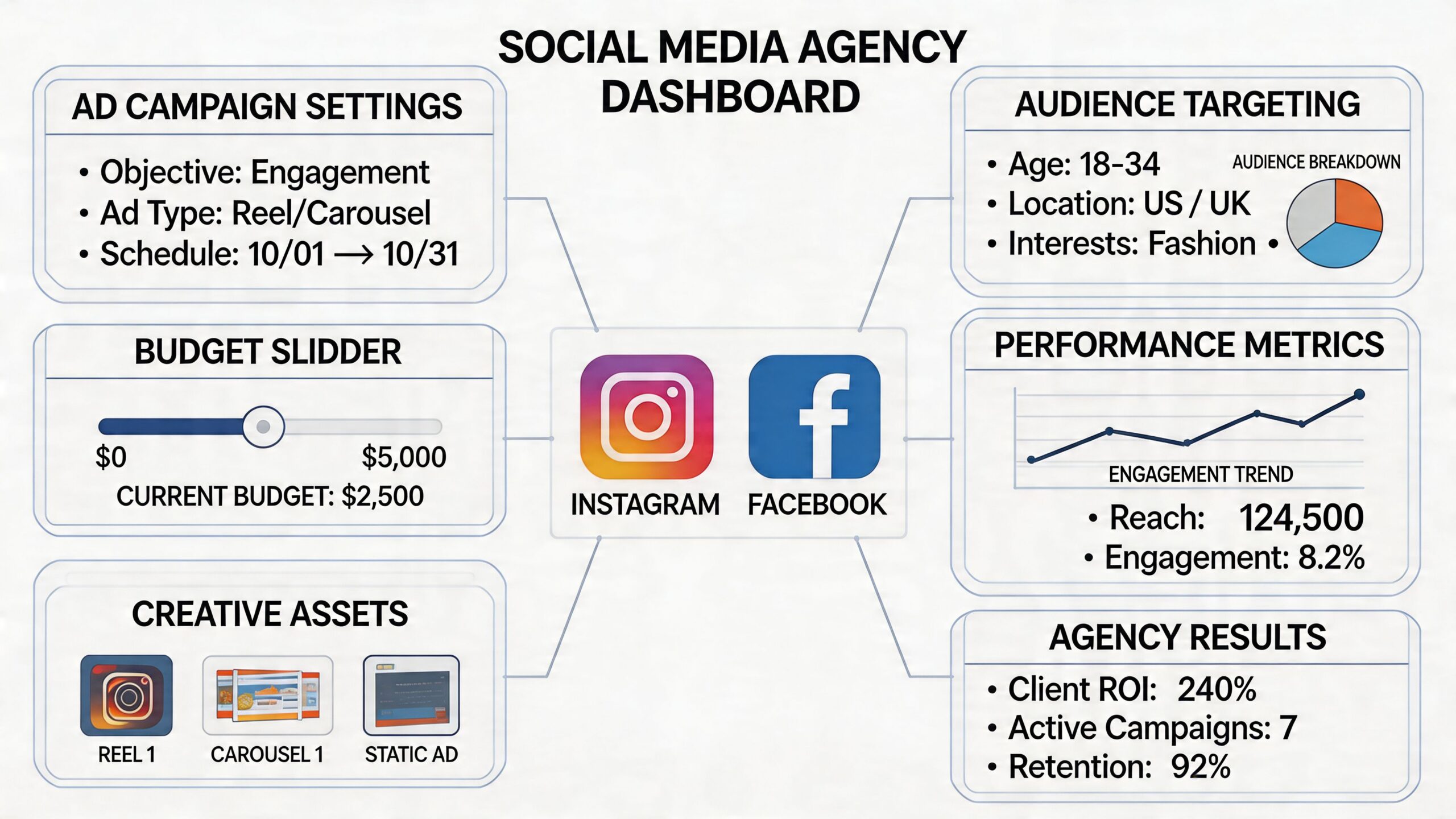
If you manage multiple brands, a loose setup eventually creates one of three problems:
- Cross-posting errors: Content meant for one client gets routed to the wrong linked account.
- Permission sprawl: Former employees, freelancers, or vendors keep access longer than they should.
- Approval bottlenecks: Publishing slows down because nobody knows who has final authority across Facebook and Instagram assets.
A workable structure for multi-client teams
Agencies need a framework, not just logins.
Start with separate business portfolios for each client. Keep ownership and admin access clear. Don’t let one team member’s personal Facebook profile become the invisible backbone of a client relationship. That setup becomes fragile fast.
Then define publishing roles by function:
| Function | Recommended responsibility |
|---|---|
| Admin | Owns connection integrity and business settings |
| Strategist | Oversees channel goals and approvals |
| Creator or editor | Prepares assets and post variations |
| Analyst | Reviews reporting and campaign outcomes |
This doesn’t require a complicated org chart. It requires discipline. Teams get in trouble when everyone can do everything.
The safest linked setup is the one where every person knows exactly which accounts they can touch and why.
Approval flow matters too. Use one place to confirm creative, copy, destination accounts, and timing before posts are scheduled. If you’re planning bigger launches, these marketing campaign strategies for 2026 are useful for thinking through campaign structure before publishing starts.
Where linked accounts help and where they don't
Linked infrastructure helps with consistency and speed. It does not replace process. If a team has weak naming conventions, poor access hygiene, or no approval path, linking Instagram to Facebook can expose the mess faster because publishing becomes easier while governance stays weak.
The teams that do this well treat linked accounts like shared assets. They document ownership, review permissions regularly, and build approval checkpoints before anything goes live.
That’s the difference between a setup that scales and one that creates expensive confusion.
Navigating Analytics and Measuring True Campaign ROI
A linked account setup makes reporting easier to start. It does not make reporting simple.
That distinction matters because many marketers assume that once Instagram and Facebook are connected, performance data becomes naturally clear. It doesn’t. The toughest questions begin after the link is in place.
Where reporting gets messy
The analytics gap is well described in this YouTube discussion of attribution and data consistency issues. The core problem is that marketers still need to interpret what happened across platforms, especially when the same content appears in more than one place.
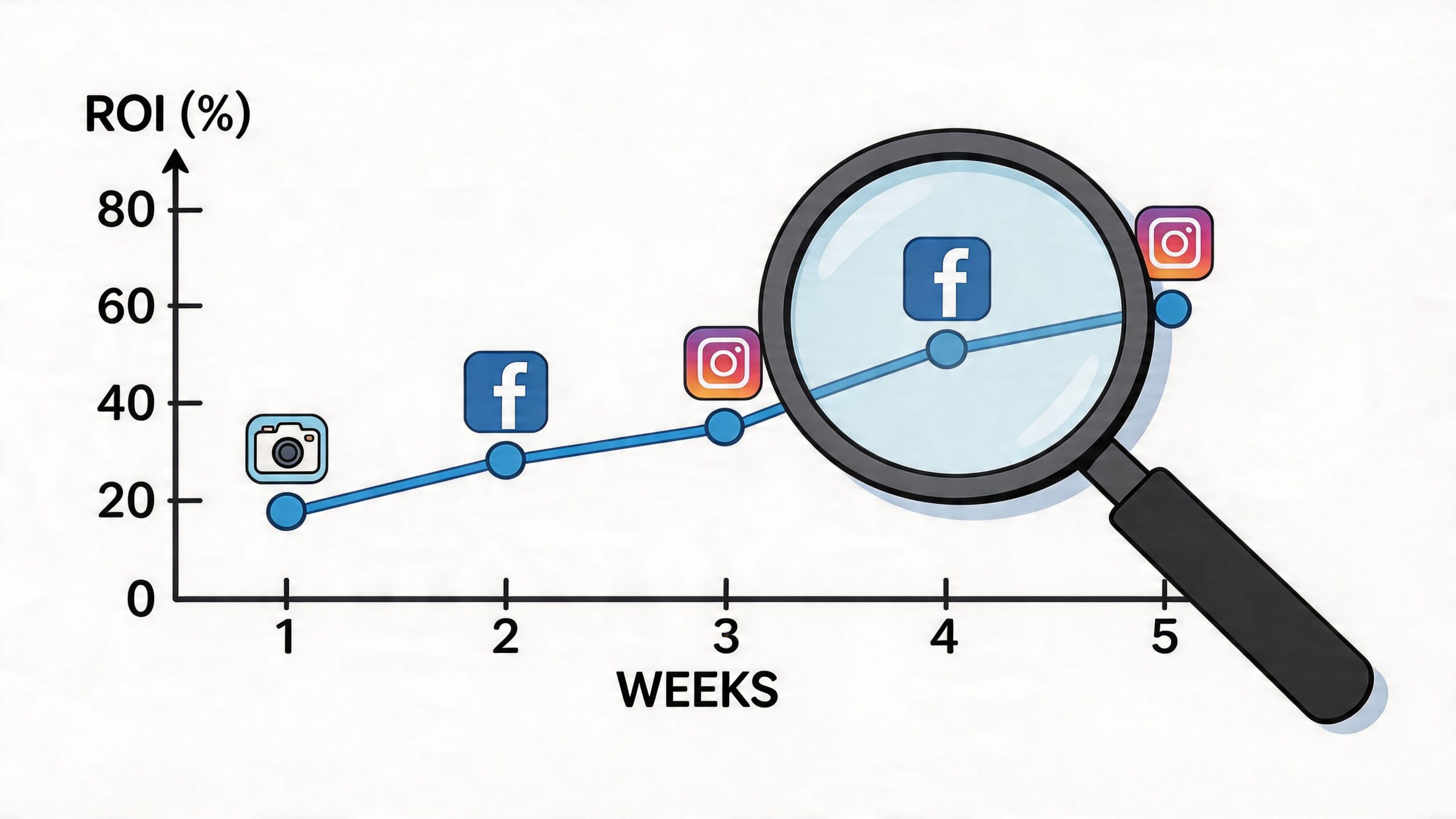
The difficult questions are practical:
- Does cross-posted engagement count separately or feel duplicated in team reporting?
- Which platform influenced the conversion when the user saw the campaign in both places?
- Do Instagram Insights and Facebook Insights tell the same story for shared creative?
- Does a linked setup change how organic performance should be interpreted?
Those aren’t edge cases. They come up in almost every serious campaign review.
A better way to read linked account performance
Don’t judge success from one dashboard snapshot. Break performance into layers.
First, review platform-native engagement. What happened inside Instagram itself? What happened inside Facebook itself? Keep those views separate before trying to merge the story.
Second, evaluate the campaign objective. A post that drives saves on Instagram and comments on Facebook may still support the same business goal, but it should not be judged as if both platforms behave identically.
Third, connect the social outcome to the business result. That’s where many teams fail. They can report activity, but they can’t explain contribution.
A linked account is a distribution setup. ROI still depends on attribution discipline.
This is why teams often need dedicated reporting logic beyond Meta’s native views. If you’re comparing channel outputs or trying to present cleaner paid performance summaries, MetricMosaic's FB Ads reporting solution is a useful reference point for how reporting structure can improve decision-making.
What to watch in campaign reviews
When you review a linked Facebook and Instagram campaign, ask these questions in order:
- Which platform generated the strongest on-platform response?
- Which content format performed best in each environment?
- Did the campaign support the intended conversion path?
- Are you seeing assisted impact across channels rather than one-channel dominance?
- Are you reporting platform metrics and business metrics separately enough to stay honest?
A lot of reporting confusion comes from trying to compress everything into one number too early. Keep engagement, traffic, and conversion interpretation distinct until the pattern is clear.
For teams building more reliable reporting habits, this guide to social media measurement is useful because it helps separate vanity metrics from performance signals that influence decisions.
From Connection to Conversion with REACH
Linking Instagram to Facebook is the start of a better system. It gives you a stronger base for publishing, access control, campaign execution, and measurement. It also exposes weak process fast. If permissions are messy, approvals are vague, or reporting logic is thin, the connection won’t solve those problems by itself.
That’s the actual trade-off. The setup is easy enough to complete. The value depends on how well your team uses the linked environment afterward.
For solo creators, that may mean simpler cross-platform management and a cleaner business profile setup. For in-house teams, it usually means fewer workflow gaps between organic content, paid social, and reporting. For agencies, it means the difference between a manageable client portfolio and a tangle of account access, posting risk, and unclear ownership.
The strongest teams treat linking instagram to facebook as infrastructure. They connect the right assets, verify roles carefully, avoid lazy duplicate posting, and review performance with enough discipline to understand what each platform contributed. That approach leads to better decisions than chasing shortcuts.
If your campaigns involve creators, partner approvals, payment coordination, or performance reporting across many moving parts, the technical account link is only one layer. The next layer is having a system that manages discovery, outreach, approvals, tracking, and reporting without forcing your team back into spreadsheets and scattered messages.
That’s where the difference between “connected” and “operational” becomes obvious.
If you want a better way to run influencer campaigns after linking your social accounts, explore REACH. It helps brands, agencies, and creators manage influencer discovery, outreach, approvals, click tracking, reporting, payments, and compliance in one place, so your Facebook and Instagram connection turns into a workflow you can scale.
