

In 2025’s hyper-competitive landscape, knowing exactly who’s on each channel is non-negotiable. Throwing your marketing budget at a platform without understanding its audience is like navigating without a map. Accurate social media platform demographics are the foundation of any successful strategy, directly informing ad targeting, content creation, and overall budget allocation. Get the demographics wrong, and you risk talking to an empty room, wasting valuable resources on campaigns that fail to connect.
This roundup gets straight to the point. We've compiled the seven most reliable and insightful sources for detailed demographic data. Before diving into the specifics of each platform's user base, it's crucial to have a firm grasp of the broader strategic context, including understanding the importance of social media for business. This foundational knowledge ensures you can apply the demographic data effectively.
Each entry in this listicle provides a clear breakdown of what the resource offers, actionable insights on how to apply its data, and practical examples to guide your implementation. We'll show you exactly where to find the numbers that matter-from age and gender distributions on TikTok to income levels and professional backgrounds on LinkedIn. With screenshots and direct links included for each source, you'll have everything you need to build campaigns that truly resonate with your ideal audience.
1. Pew Research Center – Internet & Technology
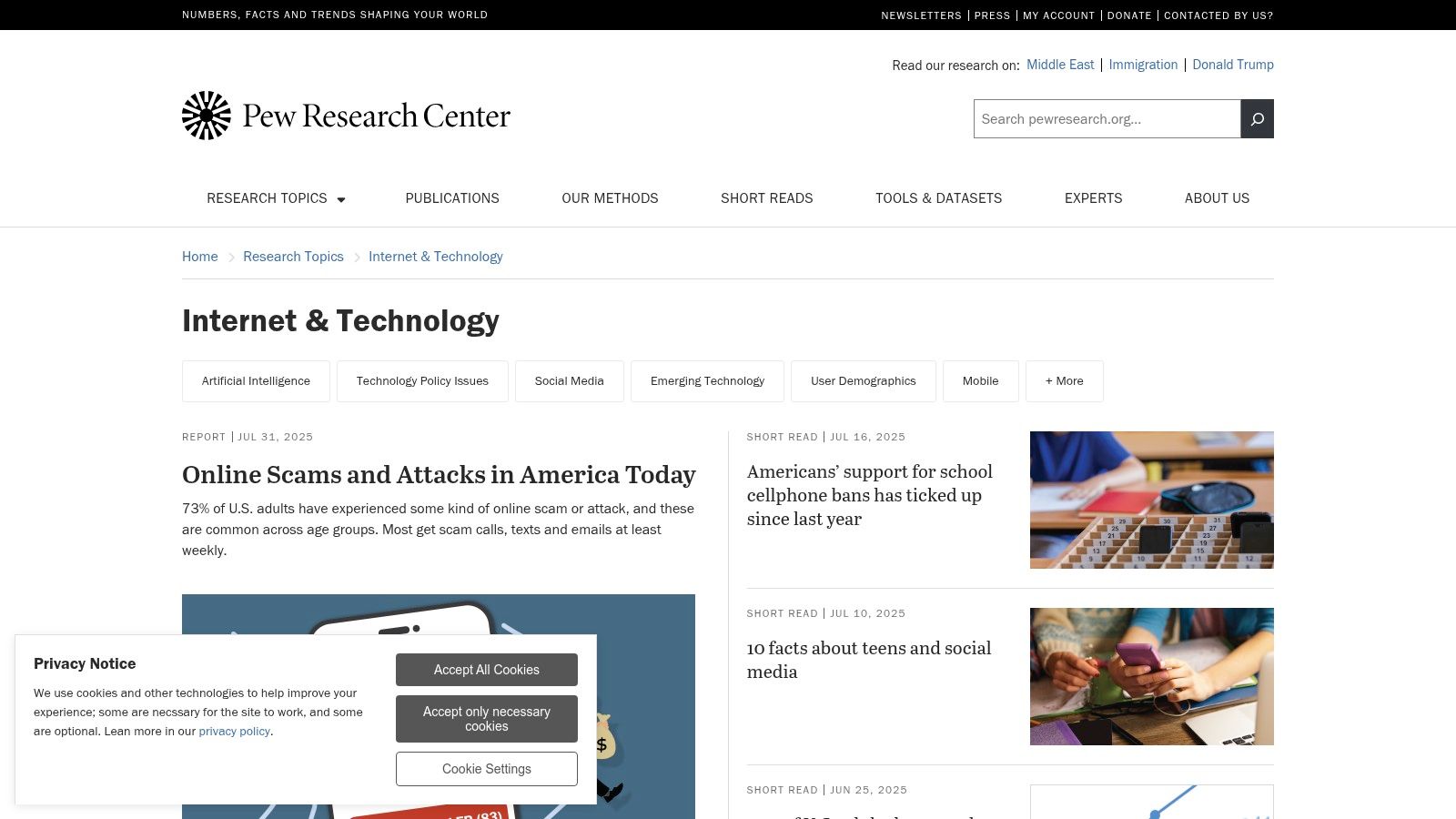
Pew Research Center’s Internet & Technology hub delivers free, methodologically transparent reports on social media platform demographics in the United States. Users can access detailed breakdowns by age, gender, race, education, and income for each major network.
Key Features
- US-focused, nationally representative surveys updated regularly
- Platform-by-platform demographic breakouts with historical trendlines
- Topical deep dives into social media usage patterns
- Free access to citable charts, tables, and slide decks
- Searchable archive of year-over-year data releases
Example Use Case
A social media manager comparing Instagram vs TikTok age profiles to refine ad targeting.
Pricing and Access
| Feature | Details |
|---|---|
| Cost | Free |
| Access | No subscription or login required |
| Update Frequency | Periodic (quarterly or annual releases) |
| Availability | Publicly accessible via web browser |
No shipping or billing hassles make Pew ideal for small teams and independent creators. Simply visit the site and download charts or raw CSV files for deeper analysis.
User Experience
Pew’s clean, minimal interface ensures fast retrieval of data. Downloadable tables are organized by platform and demographic bracket. Customer service is handled via email with a typical response time of 48–72 hours.
Pros and Cons
Pros
- High trust and rigorous sampling
- Ideal for stakeholder buy-in and academic citations
- Comprehensive historical trend analysis
Cons
- Not a live dashboard, updates are not real-time
- Less granular for niche segments compared to paid panels
Tips for Effective Use
- Bookmark the “Publications” page for the latest fact sheets
- Import CSV downloads into Excel or BI tools for custom charts
- Pair Pew data with real-time analytics platforms for full coverage
“Leveraging Pew Research’s insights gives your strategy a defensible foundation in social media platform demographics.”
Explore Pew Research Center: https://www.pewresearch.org/internet/
2. DataReportal (by Kepios) – Global Digital, Social & Mobile Reports
DataReportal offers massive, frequently updated slide reports compiling global social media platform demographics and digital trends. Created by Kepios, these reports provide platform reach and user indicators worldwide, making them essential for international comparisons and high-level market sizing.
Key Features
- Quarterly Global Statshot and annual deep-dive reports
- Country-specific profiles with gender and age splits for major platforms
- Ad audience reach data sourced directly from platform APIs
- Visual, presentation-ready slides in PowerPoint format
- Extensive library of reports covering over 230 countries and territories
Example Use Case
An international marketing team assessing Facebook's ad reach potential among young adults across Southeast Asian markets.
Pricing and Access
| Feature | Details |
|---|---|
| Cost | Free |
| Access | No subscription or login required |
| Update Frequency | Quarterly (Global Statshots) & Annual |
| Availability | Publicly accessible for viewing and download |
The free access model makes DataReportal a go-to resource for teams of any size. All reports are available for direct download without any registration barrier, simplifying the process of gathering foundational data.
User Experience
The website is straightforward, organized by report type (Global, Country, etc.). The main offering is downloadable slide decks, which are professionally designed and easy to incorporate into presentations. As a data publisher, direct customer service is limited; users rely on the detailed methodology notes within each report.
Pros and Cons
Pros
- Exceptional global scope for international and US teams
- Consistent time-series data for tracking market growth
- Saves hundreds of hours on building data-rich presentations
Cons
- Methodology nuances require careful reading (e.g., ad reach vs. active users)
- Less granular for micro-segmentation than paid analytics tools
Tips for Effective Use
- Start with the latest annual "Digital" report for your country of interest.
- Use the "compare to last year" slides to quickly identify growth trends.
- Cross-reference ad audience figures with other sources to understand the full picture of social media platform demographics.
“DataReportal’s comprehensive global reports are indispensable for setting benchmarks and understanding the digital landscape at scale.”
Explore DataReportal: https://datareportal.com/
3. Statista – Social Media Usage & Demographics (US)
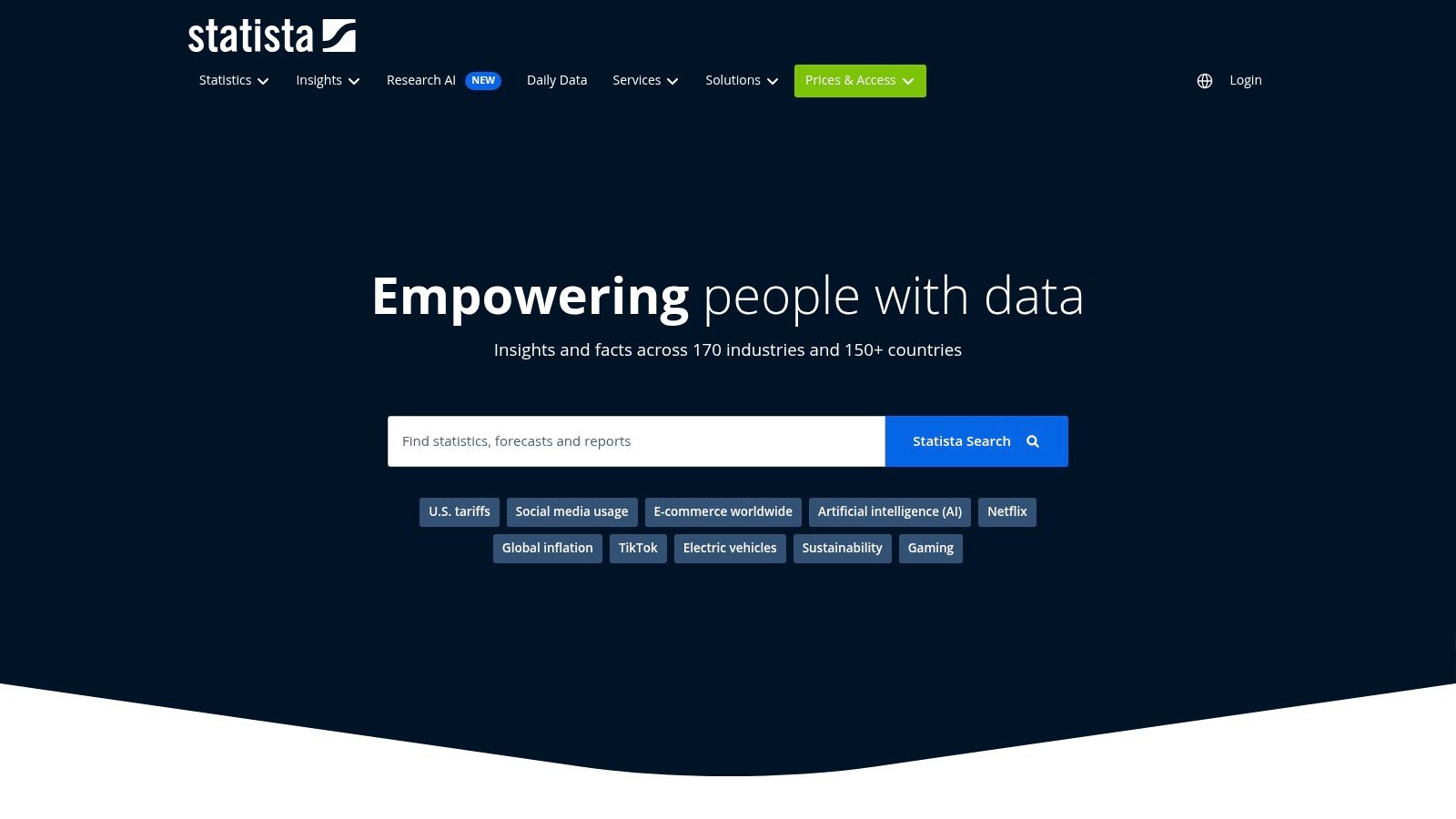
Statista is a powerful aggregator that compiles thousands of charts and statistics on social media platform demographics from market research firms, trade publications, and government sources. It provides quick access to metrics on usage, ad reach, time spent, and market share, making it a go-to for benchmarking and presentations.
Key Features
- Extensive US-topic pages with curated key figures
- Platform-specific demographic breakdowns and time series
- Downloadable charts (PNG, PPT, XLS) for easy integration into reports
- Source-linked references provided for each data point
- Broad coverage of advertising reach and usage splits by age
Example Use Case
A brand strategist pulling key statistics for a competitor analysis deck to showcase market share changes between Facebook and Instagram over the last five years.
Pricing and Access
| Feature | Details |
|---|---|
| Cost | Freemium (Basic stats free, deep data paid) |
| Access | Paid subscription unlocks full database |
| Update Frequency | Continuous (as new studies are published) |
| Availability | Publicly accessible with content paywalls |
While many high-level charts are free, a paid subscription is necessary to access detailed datasets, source links, and download options. This makes the premium version more suitable for corporate teams than for individual creators on a budget.
User Experience
Statista's interface is built for search and discovery, allowing users to quickly find relevant charts. The platform is well-organized, with dedicated topic pages that group related statistics. Customer service for corporate accounts includes dedicated account managers, while free users can access an online help center.
Pros and Cons
Pros
- Rapid access to thousands of charts in one place
- Excellent for benchmarking and building competitor decks
- Good coverage of ad-reach and usage splits by age
Cons
- Many detailed statistics require a paid subscription
- Aggregation means mixed methodologies; source verification is needed
Tips for Effective Use
- Use the free account to find high-level statistics for initial research.
- Always check the source information at the bottom of a chart to assess its reliability.
- Leverage the "Related Statistics" feature to uncover interconnected trends.
"For quick, presentation-ready charts on social media platform demographics, Statista's vast library is an invaluable time-saver for any marketing team."
Explore Statista: https://www.statista.com/
4. Insider Intelligence (eMarketer) – Social Media Users & Demographics Forecasts
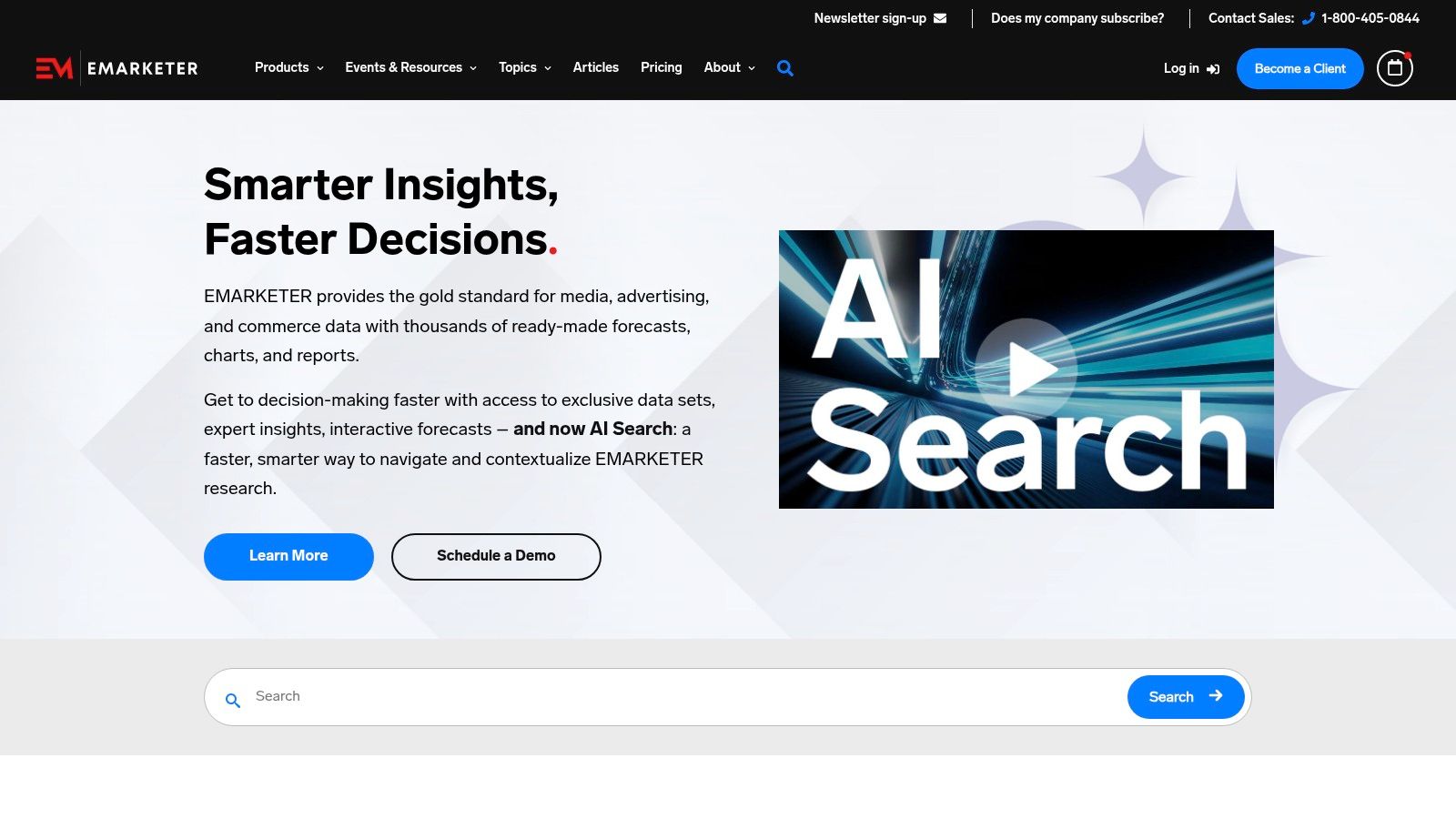
Insider Intelligence, which incorporates the well-regarded eMarketer data, provides industry-standard forecasts and analyst insights on social media audiences. It excels at delivering forward-looking numbers, making it a go-to resource for strategic planning, investor decks, and market sizing.
Key Features
- US forecasts of platform user totals for top social media networks
- Analyst write-ups contextualizing numbers and trends
- Daily charts and newsletters for quick takeaways
- Deep, citable reports with granular data for subscribers
- Projections on time spent, user growth, and ad spending
Example Use Case
A brand strategist using user growth projections to decide which emerging platform to invest in for the next fiscal year.
Pricing and Access
| Feature | Details |
|---|---|
| Cost | Freemium (full reports require subscription) |
| Access | Gated access for detailed forecast data |
| Update Frequency | Continuous (daily charts, periodic reports) |
| Availability | Publicly accessible articles, reports via paid portal |
While some charts are free, comprehensive access is enterprise-oriented and requires contacting their sales team for a custom quote. This model suits larger organizations that need robust forecasting data.
User Experience
The platform is professional and data-driven, with a clean interface that highlights key charts and analyst commentary. Navigation is straightforward, guiding users to either free articles or the subscriber-only portal. Customer service is primarily for subscribers and handled through dedicated account managers.
Pros and Cons
Pros
- Highly regarded by US marketers and finance stakeholders
- Forecasts aid in strategic planning and long-term outlooks
- Clear, chart-focused communication of complex data
Cons
- Full reports and detailed forecasts require a paid subscription
- Pricing is enterprise-oriented and may be prohibitive for small teams
Tips for Effective Use
- Subscribe to the free daily newsletter for a consistent stream of key data points.
- Use the publicly available charts in presentations, always citing the source.
- Combine their forecasts with historical data from other sources for a complete picture. This is a crucial step when measuring marketing ROI on reach-influencers.com.
“For forward-looking social media platform demographics, Insider Intelligence provides the benchmark forecasts that shape corporate strategy.”
Explore Insider Intelligence: https://www.insiderintelligence.com/
5. Similarweb – Audience Demographics (Web & App Intelligence)
Similarweb is a competitive intelligence platform offering inferred demographic data for website and mobile app audiences. While not a direct survey source, its strength lies in connecting traffic behavior to audience characteristics, allowing marketers to analyze the social media platform demographics of their competitors.
Key Features
- Website and Android app audience demographic modules (age and gender)
- Benchmarking of audience overlap and competitive market share
- Analysis of traffic sources driving specific demographic segments
- Exportable charts and reports for market and industry views
- Global and country-specific data filters available
Example Use Case
A brand marketer can analyze the age and gender split of traffic from Twitter vs. Reddit to their main competitor’s website, informing their own channel strategy.
Pricing and Access
| Feature | Details |
|---|---|
| Cost | Freemium (limited features) and tiered paid plans |
| Access | Free trial available; full access requires a paid subscription |
| Update Frequency | Monthly data updates |
| Availability | Web-based platform accessible via browser |
Similarweb operates on a subscription model, with advanced features like deep historical data and API access reserved for higher-tier enterprise plans.
User Experience
The platform features a professional, dashboard-style interface with a focus on data visualization. Charts are interactive and easy to navigate. Enterprise-level customer support includes dedicated account managers, while free users can access a knowledge base and community forums.
Pros and Cons
Pros
- Actionable for channel planning and competitor analysis
- Connects demographic splits to observed traffic behavior
- Commercial support and robust integration options
Cons
- Data is based on modeling and sampling, representing estimates
- Granular country-level filtering requires higher-tier plans
Tips for Effective Use
- Use the "Audience Overlap" tool to discover which social platforms share a similar user base to your target.
- Compare the demographic makeup of referral traffic from different social networks to optimize content.
- Integrate its findings into a broader social media analytics dashboard for a complete performance view.
“Similarweb provides a crucial competitive lens on social media platform demographics, showing not just who the users are, but how they move between sites.”
Explore Similarweb: https://www.similarweb.com/
6. GWI (formerly GlobalWebIndex) – Consumer & Social Media Audience Profiles
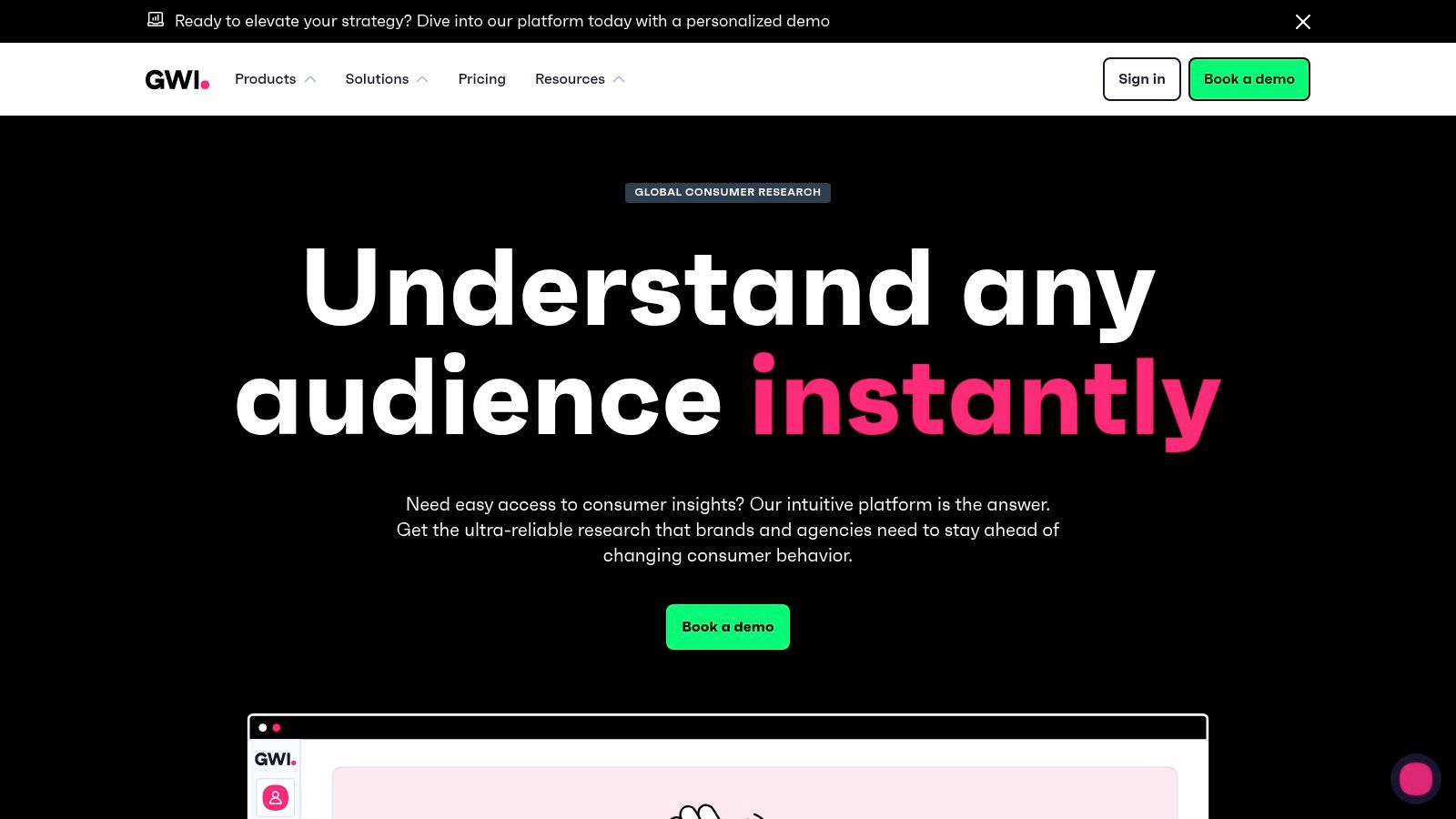
GWI provides a leading self-serve survey platform with rich demographic and attitudinal data, including social media behaviors across the US and 50+ global markets. It excels at building custom audience segments and comparing platform usage across specific consumer cohorts.
Key Features
- Deep profiling with over 250,000 data points on consumers
- AI-assisted insights and easy charting with export to slide decks
- Quarterly trended data for tracking shifts in user behavior
- Cross-market comparisons to inform global strategies
- Flexible pricing tiers from individual plans to enterprise solutions
Example Use Case
A global CPG brand builds a custom audience of "eco-conscious millennial parents" to analyze which social platforms they use most for product discovery.
Pricing and Access
| Feature | Details |
|---|---|
| Cost | Freemium; paid tiers (Plus, Pro, Enterprise) unlock full data |
| Access | Login required; free account offers limited data |
| Update Frequency | Quarterly |
| Availability | Web-based platform accessible with a subscription |
GWI’s tiered structure allows users to scale access as their needs grow, moving from foundational insights to the full dataset for advanced segmentation.
User Experience
The platform’s interface is designed for marketers, enabling quick chart creation and audience building through a point-and-click dashboard. Customer service for paid tiers includes dedicated account managers and support via email and chat.
Pros and Cons
Pros
- Combines demographics with psychographics for nuanced targeting
- Instantly generates insights on custom-built audience segments
- Clear upgrade path from individual to team or enterprise licenses
Cons
- Most valuable functionality is behind a significant paywall
- Requires a learning curve to build complex and robust audience cuts
Tips for Effective Use
- Start with the free tier to familiarize yourself with the interface and available data points.
- Use the "Audience Builder" to layer demographic data with interests and purchase intentions.
- Export charts directly into presentations to streamline reporting to stakeholders.
“GWI goes beyond basic age and gender, allowing you to build a complete picture of your target social media platform demographics by including what they think and value.”
Explore GWI: https://www.gwi.com/
7. YouGov – Profiles (Audience Demographics) and Behavioral (Online Search & Social)
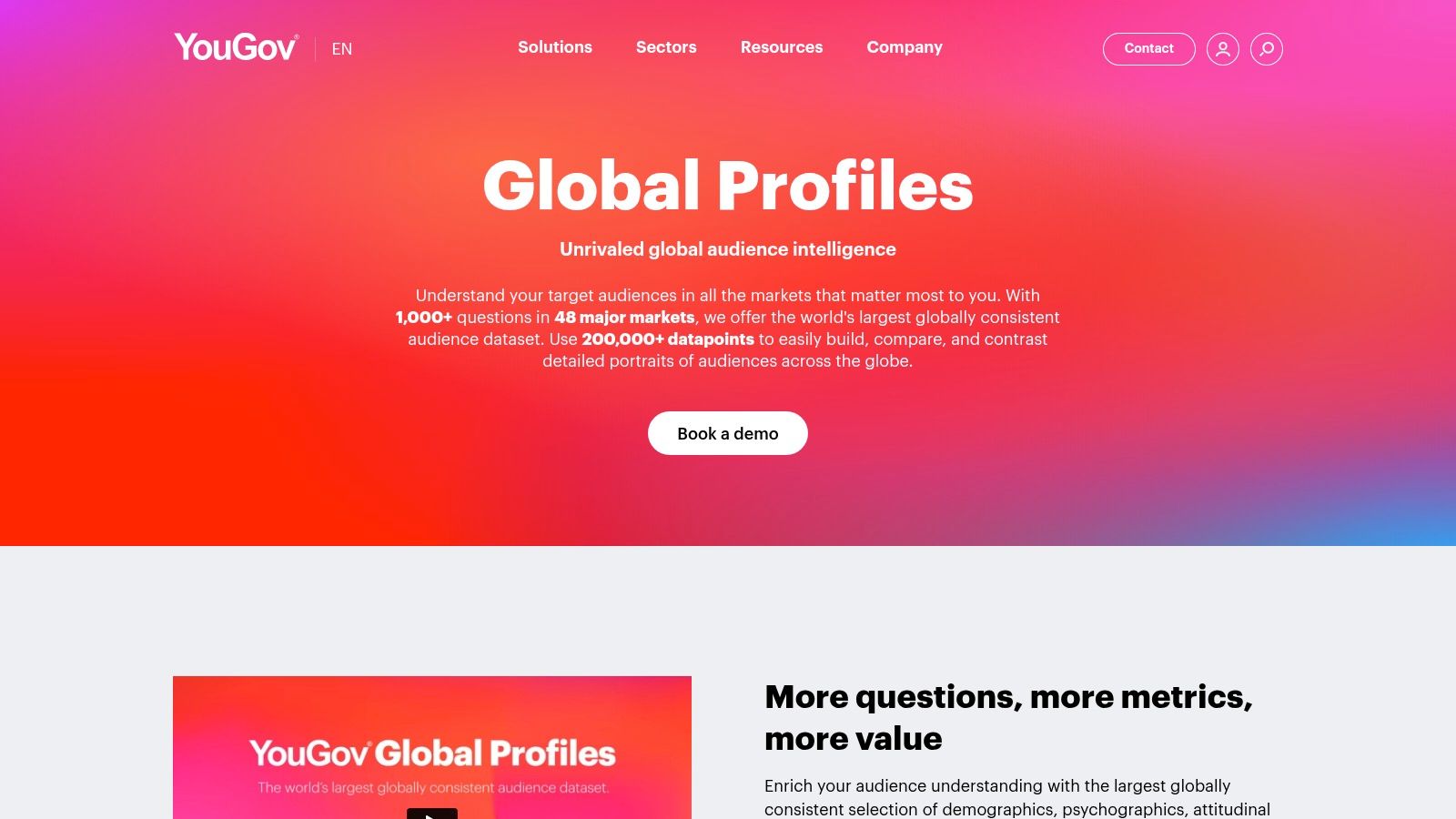
YouGov combines a massive US panel for demographic and psychographic profiles with behavioral and social listening data. This allows users to analyze not just who uses each platform but also how they engage, enabling in-depth persona building with frequently refreshed data.
Key Features
- Large US panel with weekly-updated Profiles data and dashboards
- Rich persona-building across demographics, attitudes, and media habits
- Option for custom US surveys linked to existing profiles
- Behavioral product delivering real-time social and online sentiment with demographic overlays
- Prebuilt dashboards for US media and social consumption patterns
Example Use Case
A brand strategist builds a detailed persona for "Eco-conscious Millennial TikTok Users," combining YouGov's demographic data with their reported brand affinities and online search behavior.
Pricing and Access
| Feature | Details |
|---|---|
| Cost | Enterprise-level pricing |
| Access | Requires sales contact and subscription |
| Update Frequency | Weekly for Profiles dashboards |
| Availability | Subscription-based SaaS platform |
Accessing the full suite of tools requires a direct sales inquiry, positioning YouGov as a premium solution for larger marketing teams and agencies that need integrated data sources.
User Experience
YouGov's platform is powerful but comes with a learning curve, especially when building and activating complex audience segments. The interface is data-rich, with prebuilt dashboards that are helpful for quick insights. Customer support is handled through dedicated account managers for enterprise clients.
Pros and Cons
Pros
- Trusted US panel data with frequent refreshes for current insights
- End-to-end ecosystem combining survey, profile, and behavioral data
- Helpful prebuilt dashboards for quick analysis of US media and social consumption
Cons
- Full suite is enterprise-priced and not accessible to small businesses
- Requires some training to master audience segment creation
Tips for Effective Use
- Start with prebuilt dashboards to get a baseline understanding before building custom segments.
- Integrate YouGov Profiles data with your CRM to enrich customer understanding.
- Use the behavioral and social listening add-ons to validate what your survey-based personas are actually doing online. This is key for understanding influencer audience demographics with greater accuracy.
"YouGov offers a connected data ecosystem, giving you a 360-degree view of social media platform demographics and the real-world behaviors behind them."
Explore YouGov: https://business.yougov.com/product/global-profiles
Demographics Comparison of Top 7 Social Media Data Sources
| Source | 🔄 Implementation Complexity | ⚡ Resource Requirements | 📊 Expected Outcomes | 💡 Ideal Use Cases | ⭐ Key Advantages |
|---|---|---|---|---|---|
| Pew Research Center – Internet & Technology | Low – periodic, methodological reports | Minimal – free access | Reliable, citable demographic trend data | US-focused benchmarking and stakeholder buy-in | Rigorous sampling; trusted, transparent data |
| DataReportal (by Kepios) – Global Digital | Low – downloadable slide reports | Minimal – free access | Global and US social platform reach & trends | International comparisons & broad market sizing | Large scope; frequent updates; presentation-ready |
| Statista – Social Media Usage & Demographics | Medium – mixed data sources, some paywall | Moderate – some free, mostly paid | Aggregated charts for quick benchmarking | Fast social media demographic stats for presentations | Extensive stats collection; easy downloads |
| Insider Intelligence (eMarketer) | Medium – enterprise subscription required | High – paid subscription for forecasts | Premium forecasts and strategic insights | Planning, investor decks, forecasting | Authoritative forecasts; analyst context |
| Similarweb – Audience Demographics | Medium – requires tool setup and paid tiers | Moderate to High – free trial plus paid plans | Demographic insights tied to actual traffic | Channel planning, competitor benchmark | Traffic-based demographics; commercial support |
| GWI (formerly GlobalWebIndex) | High – requires learning curve and subscription | High – multi-tier pricing | Deep, custom audience segments & attitudinal data | Advanced segmentation & cross-market comparisons | Rich profiling; AI insights; flexible upgrades |
| YouGov – Profiles & Behavioral | High – enterprise product with multiple layers | High – subscription & custom survey option | Frequent, in-depth persona & behavioral insights | Persona building; combined survey and behavior data | Large panel; up-to-date data; robust ecosystem |
Next Steps: Turning Data into Campaign Wins
Navigating the complex world of social media platform demographics can feel overwhelming, but with the right tools, it becomes a strategic advantage. We’ve explored seven powerful resources, from the foundational academic insights of the Pew Research Center to the granular, real-time consumer data provided by GWI and YouGov. Each tool offers a unique lens through which to view your target audience, ensuring your marketing efforts are precise, relevant, and impactful.
The key takeaway is that no single platform or tool holds all the answers. A truly effective strategy combines broad, authoritative reports from sources like DataReportal with the specific, competitive intelligence offered by Similarweb. This multi-layered approach transforms raw data into a clear roadmap for audience engagement.
From Insight to Implementation: Your Action Plan
Understanding the data is only the first step; acting on it is what drives results. To bridge the gap between analysis and execution, consider the following structured approach:
-
Conduct a Cross-Platform Audit: Start by pulling demographic reports for your target audience from at least two or three of the tools mentioned, such as Statista for US-specific data and GWI for global psychographics. Compare the findings side-by-side to identify overlaps and discrepancies. This audit will reveal which platforms your ideal customers frequent most and how their behaviors differ across channels.
-
Develop Platform-Specific Personas: Use the detailed demographic and behavioral data to refine your customer personas for each key platform. For example, your "Eco-Conscious Millennial" persona on Instagram might be driven by visual aesthetics and influencer recommendations, while on Reddit, they may engage more with in-depth discussions and community-driven advice. These nuanced personas are crucial for crafting resonant messaging.
-
Integrate Data into Your Campaign Workflow: Once you've gathered and understood the demographics, it's time to leverage this information to implement data-driven marketing strategies for scaling your campaigns effectively. This involves embedding your newfound insights directly into your content creation, ad targeting, and influencer selection processes. For instance, if data shows your Gen Z audience on TikTok values authenticity, your creative brief should prioritize user-generated content styles over polished corporate videos.
-
Measure, Iterate, and Optimize: The landscape of social media platform demographics is constantly shifting. Use tools with forecasting capabilities, like Insider Intelligence, to stay ahead of trends. Continuously monitor your campaign performance against your initial demographic assumptions and be prepared to pivot your strategy based on real-world engagement data.
By systematically applying these steps, you move beyond simply collecting data and begin using it as a dynamic tool for building stronger connections with your audience and achieving superior campaign outcomes.
Ready to put these demographic insights into action? REACH helps you discover and manage influencers who perfectly align with your target audience on any platform. Use our advanced filtering to find creators whose followers match the precise demographic profiles you’ve just researched, ensuring your message always hits the mark. Start your free trial of REACH today!
