 Skip to content


In the fast-paced world of digital marketing, manually wrangling data from different platforms into spreadsheets is a recipe for burnout and missed opportunities. It's not just tedious; it's inefficient. You lose valuable hours that could be spent on strategy, and the risk of human error can lead to flawed insights that misguide your decisions. The right digital marketing reporting tools don't just create pretty charts, they automate data aggregation, uncover hidden trends, and provide a single source of truth for your entire team.
This guide cuts through the noise to showcase the 12 best platforms that will help you prove ROI, streamline client communication, and make data-driven decisions with confidence. We've focused on practical applications, providing an honest look at the strengths and limitations of each tool to help you find the perfect fit for your specific needs, whether you're a small business owner, an in-house marketing team, or an agency managing multiple clients. Each entry includes detailed analysis, screenshots, and direct links so you can evaluate the options efficiently. Forget manual data entry and start building reports that actually drive growth.
1. REACH
REACH stands out as a premier all-in-one influencer marketing platform, offering a powerful suite of digital marketing reporting tools designed to manage campaigns from discovery to final ROI analysis. It consolidates every critical stage of influencer collaboration into a single, intuitive dashboard, making it an exceptional choice for agencies, brands, and creators seeking granular control and transparent performance data. The platform’s strength lies in its ability to centralize complex workflows, eliminating the need for disjointed spreadsheets and manual tracking.
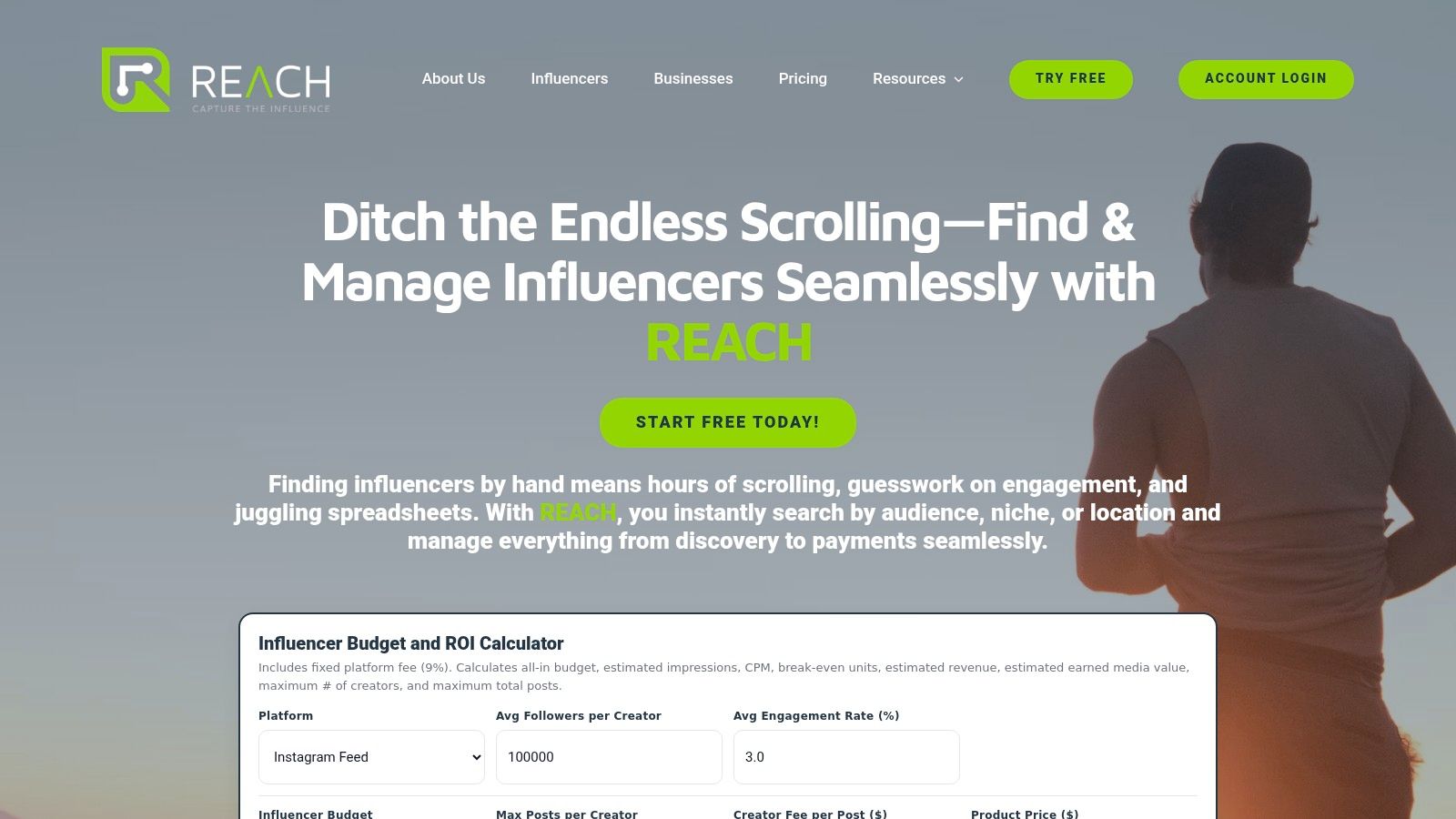
This centralized approach delivers a significant advantage by providing live, data-rich reports that stakeholders can access anytime. Agencies can particularly benefit from its white-label capabilities, presenting sophisticated, real-time analytics to clients under their own branding. To truly understand and improve your digital marketing efforts, especially in areas like REACH, it's important to consider various tactics, including how to drive organic reach on Facebook using a countdown timer. This broader knowledge helps in maximizing the impact measured within such robust platforms.
Key Features & Use Cases
- Influencer Discovery Engine: Go beyond simple keyword searches. Use precise filters for engagement rates, audience demographics, location, and specific niches to find perfectly aligned micro-influencers or established A-list talent for your campaign.
- Centralized Campaign Management: Manage outreach, content approvals, contracts, and payments from one dashboard. This is ideal for busy social media managers juggling multiple collaborations.
- Real-Time Analytics & Reporting: Track clicks, impressions, engagement, and conversions as they happen. The built-in ROI calculator helps demonstrate campaign value by estimating earned media value and break-even sales.
- White-Label Solutions for Agencies: Impress clients with branded, live reporting portals, streamlining communication and showcasing campaign success effortlessly.
Pricing & Considerations
REACH operates on a straightforward model with a 9% platform fee on campaign budgets. This fee covers all features, including payment processing and tax compliance. While this may be a factor for campaigns with very tight budgets, the platform's ROI calculator helps users forecast costs and potential returns, ensuring financial transparency from the start. Some advanced features might present a slight learning curve for newcomers to influencer marketing, but the streamlined user interface is designed to simplify onboarding.
Best for: Agencies, direct-to-consumer brands, and in-house marketing teams managing influencer marketing at scale.
2. Google Looker Studio (formerly Google Data Studio)
Google Looker Studio is a powerful and highly accessible data visualization tool, making it one of the most popular digital marketing reporting tools available. Its main strength lies in its seamless integration with the Google ecosystem. Marketers can effortlessly connect data from Google Analytics 4, Google Ads, and Google Sheets to build comprehensive, interactive dashboards without writing any code.
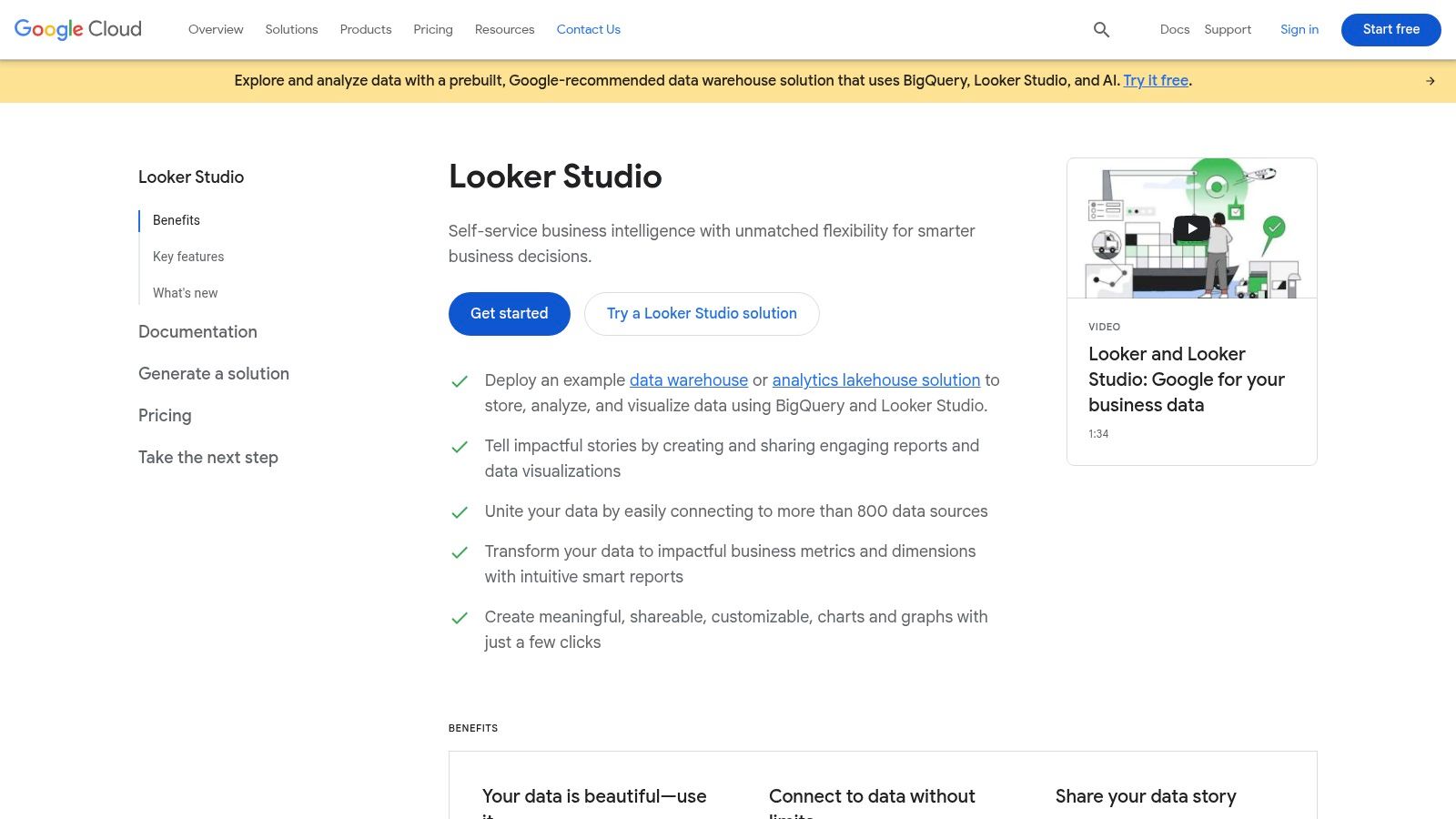
The platform is renowned for its user-friendly, drag-and-drop interface and an extensive gallery of community-built templates. This allows teams to create professional-looking reports quickly, visualizing key metrics from various campaigns in a single view. The ability to blend data from different sources is a key feature, enabling a holistic view of marketing performance.
Key Details & Pricing
- Best For: Teams heavily invested in the Google marketing ecosystem (GA4, Google Ads) looking for a free, powerful starting point for data visualization.
- Pricing: The core product is completely free. An optional Looker Studio Pro plan is available for enterprise-level governance and team management features, with pricing based on usage.
- Unique Feature: Unbeatable native integration with Google products and a vast library of over 800 connectors (both native and third-party).
While the free tier is extremely generous, connecting to non-Google platforms like Facebook Ads or HubSpot often requires paid third-party connectors. However, for many small businesses and agencies, its core functionality is more than sufficient. You can explore more about how Looker Studio compares with other top marketing dashboard tools to see if it fits your specific needs.
Website: https://cloud.google.com/looker-studio
3. Supermetrics
Supermetrics isn't a standalone visualization platform but rather the essential data pipeline that powers many of the best digital marketing reporting tools. Its core function is to pull marketing data from over 100 different sources, like Facebook Ads, LinkedIn Ads, and HubSpot, and reliably feed it into a destination of your choice. This could be a spreadsheet like Google Sheets or a BI tool like Looker Studio.
The platform solves the common and frustrating problem of broken or unreliable API connections. Instead of manually exporting CSVs or dealing with finicky third-party connectors, Supermetrics provides robust, marketer-specific connectors that ensure your data is accurate and refreshed automatically. This allows teams to consolidate cross-channel performance data into a single, unified view for comprehensive analysis without engineering support.
Key Details & Pricing
- Best For: Marketing teams and agencies that need to consolidate data from multiple non-Google platforms into a centralized reporting dashboard or data warehouse.
- Pricing: Plans are licensed per destination and start around $39/month (billed annually) for Looker Studio or Google Sheets connectors. Pricing increases with additional data sources, users, and destinations.
- Unique Feature: Its specialization in creating reliable, purpose-built marketing data connectors that simply work, saving countless hours of manual data wrangling.
While Supermetrics requires a separate tool for visualization (unless you use its new, simpler in-app charts), it is the industry standard for data integration. The main drawback is cost, as pricing can escalate quickly as you add more sources and destinations, making it a significant investment for larger teams.
Website: https://supermetrics.com
4. Databox
Databox is a business analytics platform designed for marketers who need to quickly aggregate and visualize performance data from multiple sources. It excels at creating easily digestible dashboards from a vast library of pre-built templates, making it one of the most efficient digital marketing reporting tools for teams that prioritize speed and clarity. The platform supports over 100 integrations, pulling data from social media, paid ads, email marketing, and CRM systems into a unified view.
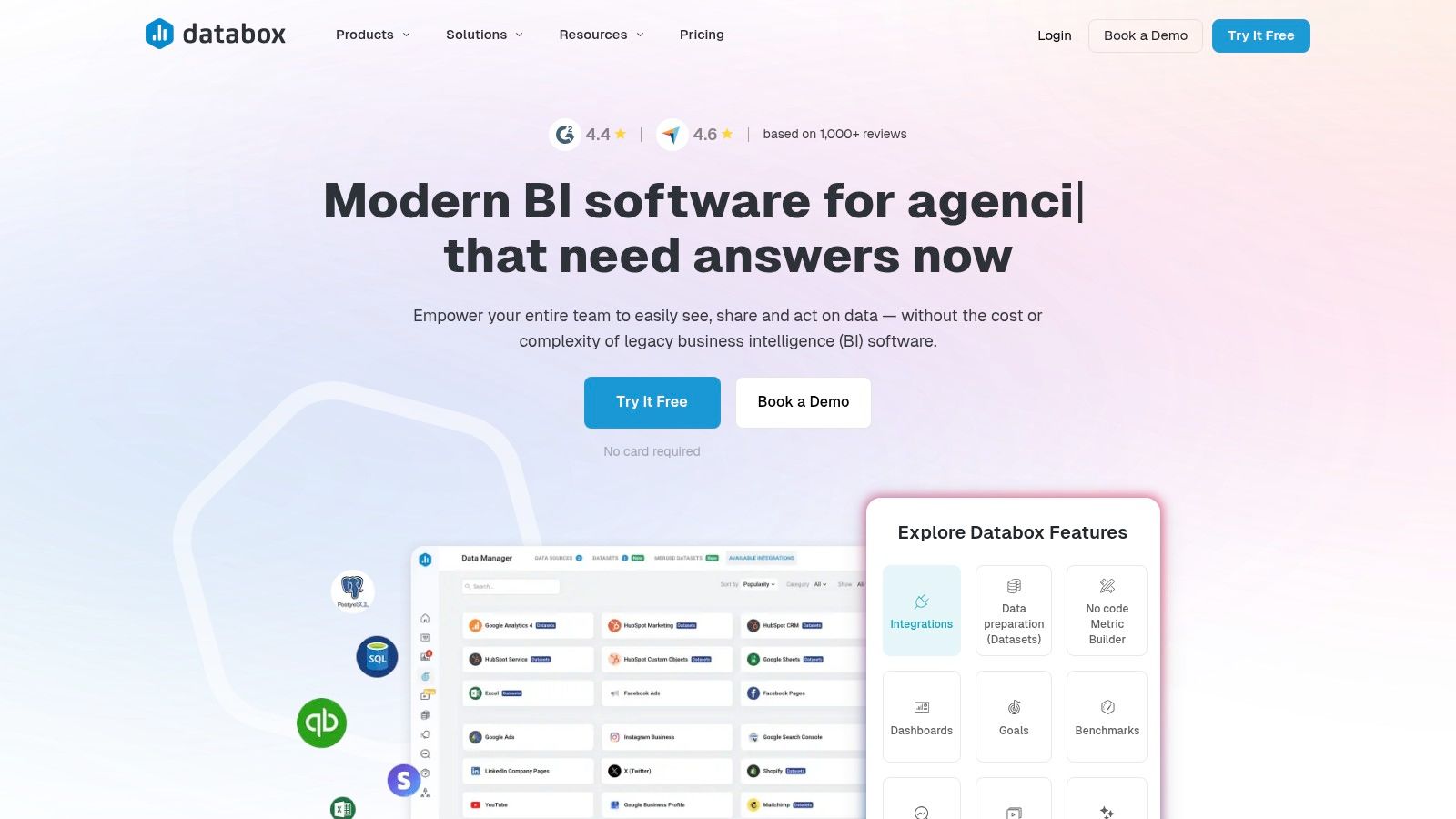
Its goal-tracking and alerting features are particularly useful for performance-driven agencies and in-house teams. Users can set specific KPIs and receive notifications when metrics are trending off-course, enabling proactive campaign adjustments. The scorecard and scheduled reporting functionalities are also robust, streamlining the process of delivering regular updates to clients or internal stakeholders.
Key Details & Pricing
- Best For: Marketing agencies and SMBs needing a fast-to-deploy dashboard solution with strong automated reporting and goal-tracking features.
- Pricing: Paid plans start at $72/month (billed annually) for the Starter plan, which includes 5 data source connections. Higher tiers offer more connections and advanced features.
- Unique Feature: An extensive library of over 300 pre-built report templates and 3,000+ pre-configured metric blocks, allowing for near-instant dashboard creation.
While Databox previously offered a popular free plan, it has since shifted to a fully paid model. Potential users should be aware that costs can increase as additional data source connections are needed. However, for teams that value its plug-and-play setup and powerful automation, the investment can significantly improve reporting efficiency.
Website: https://databox.com
5. AgencyAnalytics
AgencyAnalytics is an all-in-one reporting platform built specifically for marketing agencies that need to manage multiple clients efficiently. Its primary strength is consolidating data from various channels like SEO, PPC, social media, and email marketing into clean, automated reports. The platform streamlines client communication by providing customizable, white-label dashboards and a dedicated client portal.
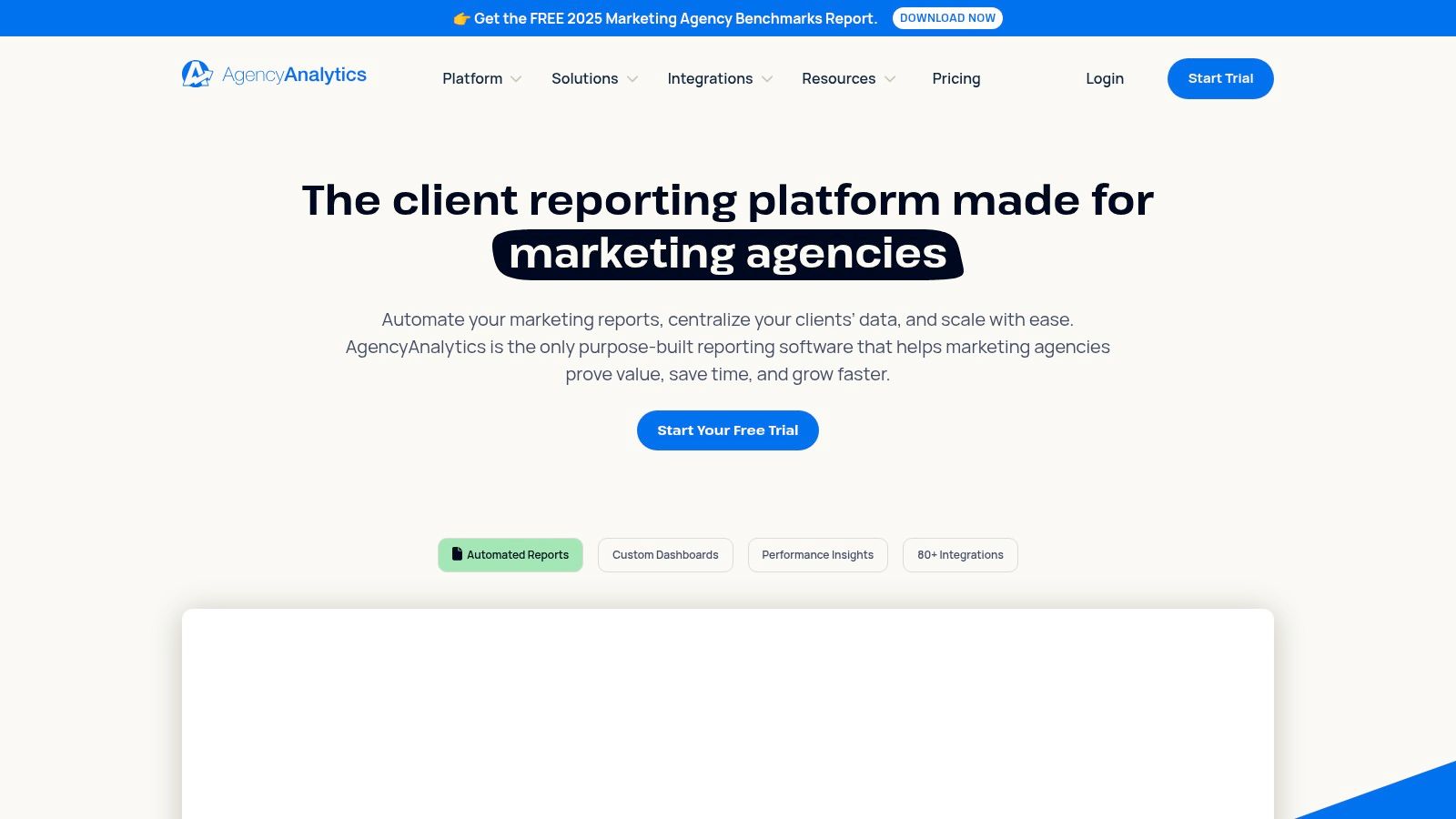
This tool is designed to save agencies significant time through automated report scheduling and AI-powered summary generation. With over 80 integrations, it connects to the essential platforms agencies use daily, allowing for comprehensive performance tracking without manual data wrangling. Its focus on agency workflows makes it a standout choice for client-facing digital marketing reporting.
Key Details & Pricing
- Best For: Marketing agencies that need an efficient, scalable solution for client reporting, dashboarding, and campaign monitoring.
- Pricing: Starts at $12/month per client campaign (Freelancer plan), with agency-focused plans like the Agency plan at $18/month per client. All plans offer unlimited user accounts and reports.
- Unique Feature: Robust white-label capabilities that allow agencies to brand every aspect of the client-facing experience, from reports and dashboards to the login portal URL.
While AgencyAnalytics is excellent for consolidating campaign data, it's less suited for deep business intelligence or complex data modeling. Its pricing model, based on the number of client campaigns, can also become costly for agencies with many small clients, especially if advanced features like extensive rank tracking are needed.
Website: https://agencyanalytics.com
6. DashThis
DashThis is a reporting automation tool designed specifically for digital marketers and agencies who need to create clean, simple, and effective client reports without the complexity of advanced BI platforms. Its core value proposition is simplicity and speed, enabling users to consolidate data from various marketing channels into visually appealing, shareable dashboards in minutes. It excels at turning raw data from ad, social, and email platforms into automated monthly reports.
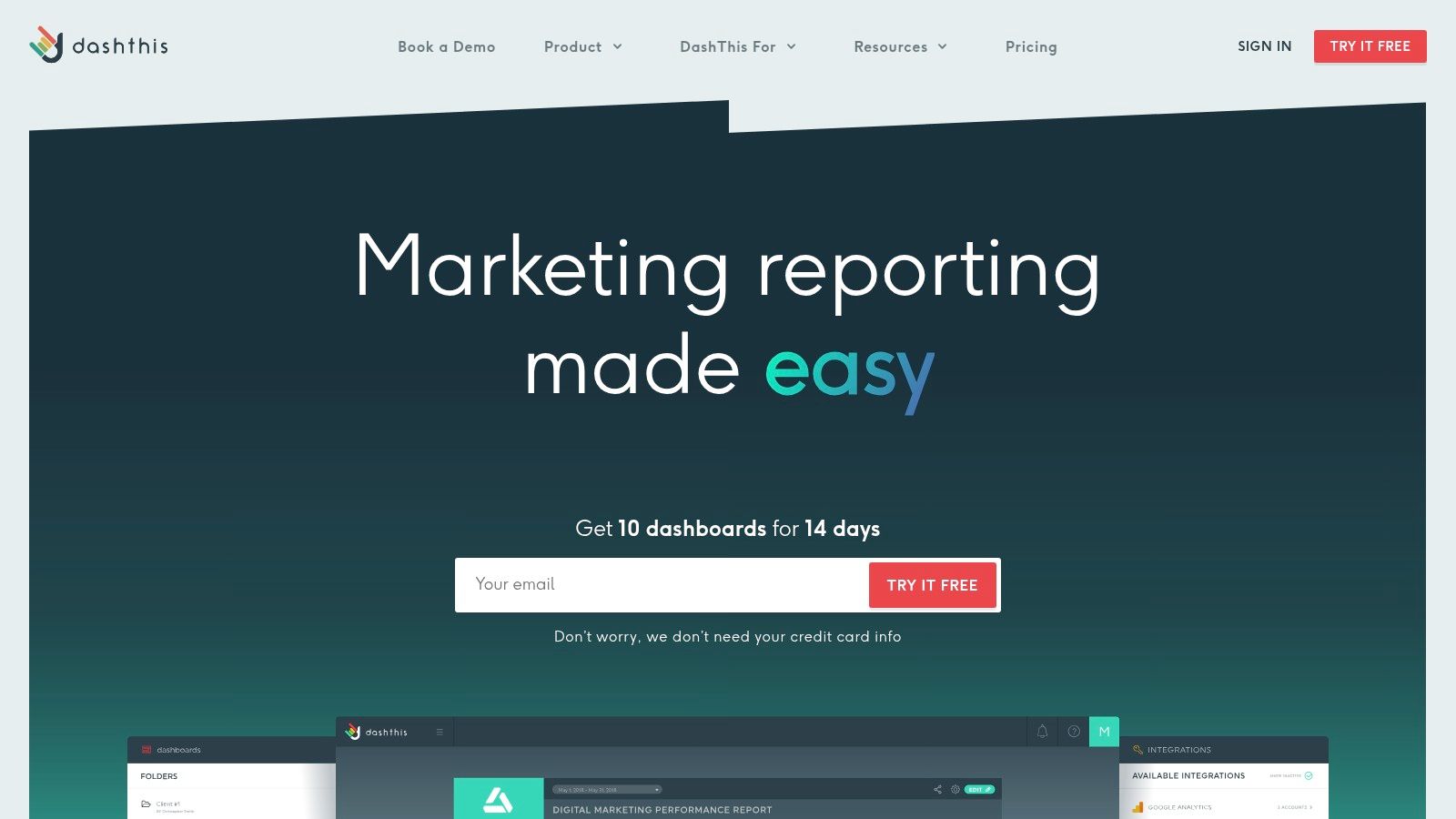
The platform is built around prebuilt templates and widgets, which drastically cuts down on setup time. Agencies particularly benefit from its extensive white-label options, allowing for custom branding on every report sent to a client. This focus on ease of use makes it one of the most accessible digital marketing reporting tools for teams who prioritize efficiency and clear communication over deep, custom data modeling.
Key Details & Pricing
- Best For: Marketing agencies and in-house teams needing to produce straightforward, automated, white-labeled client reports quickly.
- Pricing: Plans are based on the number of dashboards, starting from $45/month for 3 dashboards and scaling up. All plans include unlimited integrations and users.
- Unique Feature: Predictable, dashboard-based pricing and a strong emphasis on white-label customization for agency client reporting.
While its simplicity is a major strength, DashThis is less suited for complex data blending or highly granular data analysis that platforms like Looker Studio might handle. However, for its target audience focused on delivering regular, easy-to-understand performance snapshots, its streamlined workflow and predictable costs are a significant advantage.
Website: https://dashthis.com
7. Whatagraph
Whatagraph is a digital marketing reporting tool designed to simplify the creation of visually appealing, multi-channel performance reports. It specializes in automating data collection from various marketing platforms and presenting it in easy-to-digest dashboards. The platform's strength lies in its user-friendly interface and focus on agency-centric features like white-labeling and scheduled report delivery, making it ideal for presenting results to clients and stakeholders.
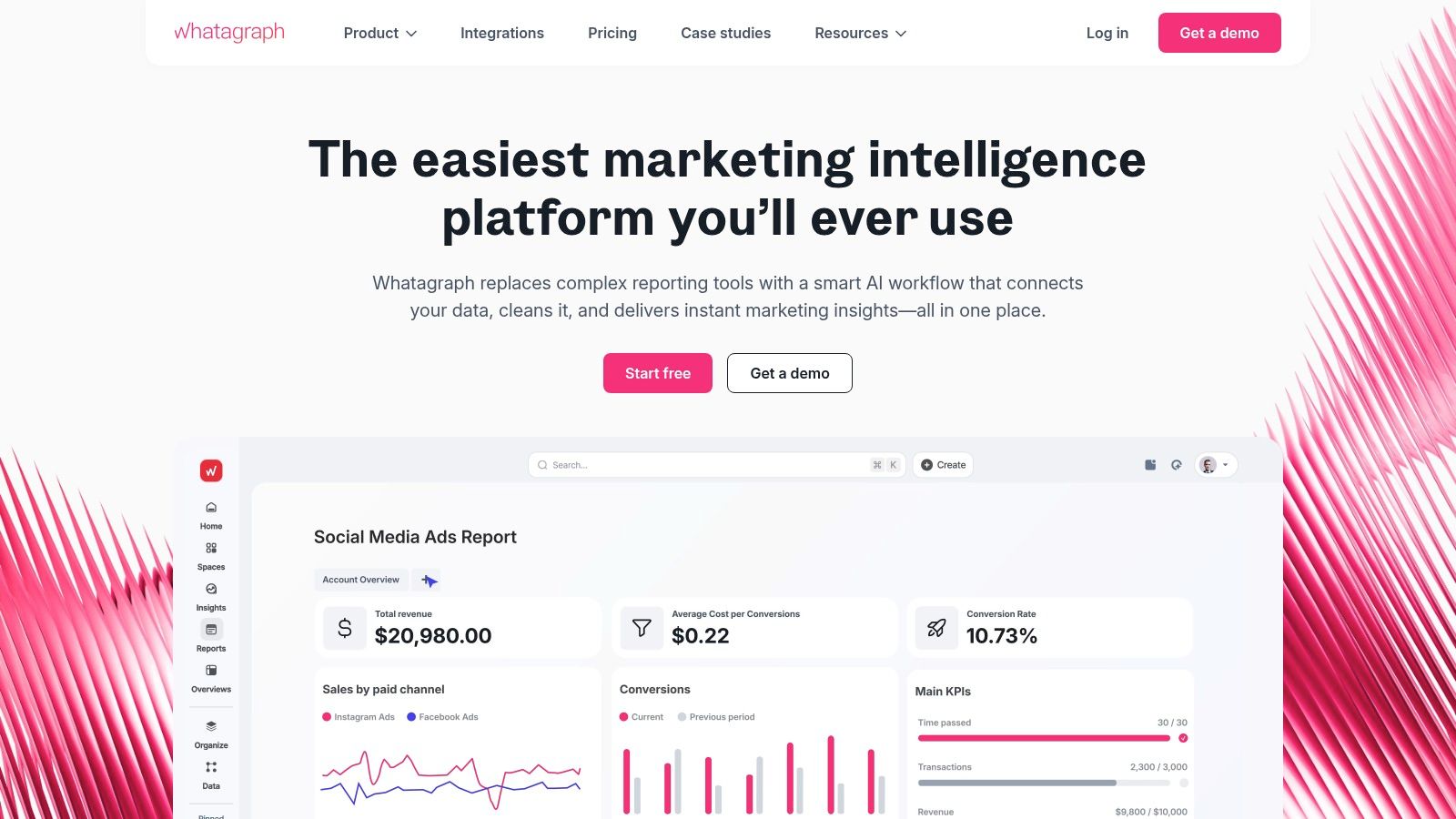
With a drag-and-drop builder and numerous pre-built templates, teams can quickly unify data from social media, PPC, SEO, and email marketing into a single view. This ability to create cross-channel reports without technical expertise saves significant time. The emphasis on clean aesthetics ensures that the final reports are professional and ready for presentation right out of the box, bridging the gap between raw data and actionable insights.
Key Details & Pricing
- Best For: Marketing agencies and in-house teams that need to create and automate visually polished, client-ready reports from multiple sources.
- Pricing: Starts with a free plan. Paid plans begin at $223/month (billed annually) for the Professional tier, scaling up to custom pricing for agencies and enterprises.
- Unique Feature: A simple, all-in-one approach to multi-channel reporting combined with powerful white-labeling and report automation capabilities tailored for agency workflows.
While Whatagraph excels at creating beautiful, stakeholder-ready summaries, its credits-based system for connecting data sources on lower tiers can become confusing and costly as a team's needs expand. Advanced customization and branding options are also reserved for the higher-priced plans.
Website: https://whatagraph.com
8. Klipfolio (PowerMetrics and Klips)
Klipfolio is a sophisticated cloud business intelligence platform designed for marketing and business teams seeking deep customization and real-time data monitoring. It distinguishes itself by offering two dashboarding experiences: PowerMetrics for tracking key performance indicators and Klips for building highly customized, pixel-perfect dashboards. This dual approach makes it a versatile tool for both high-level metric tracking and granular campaign analysis.
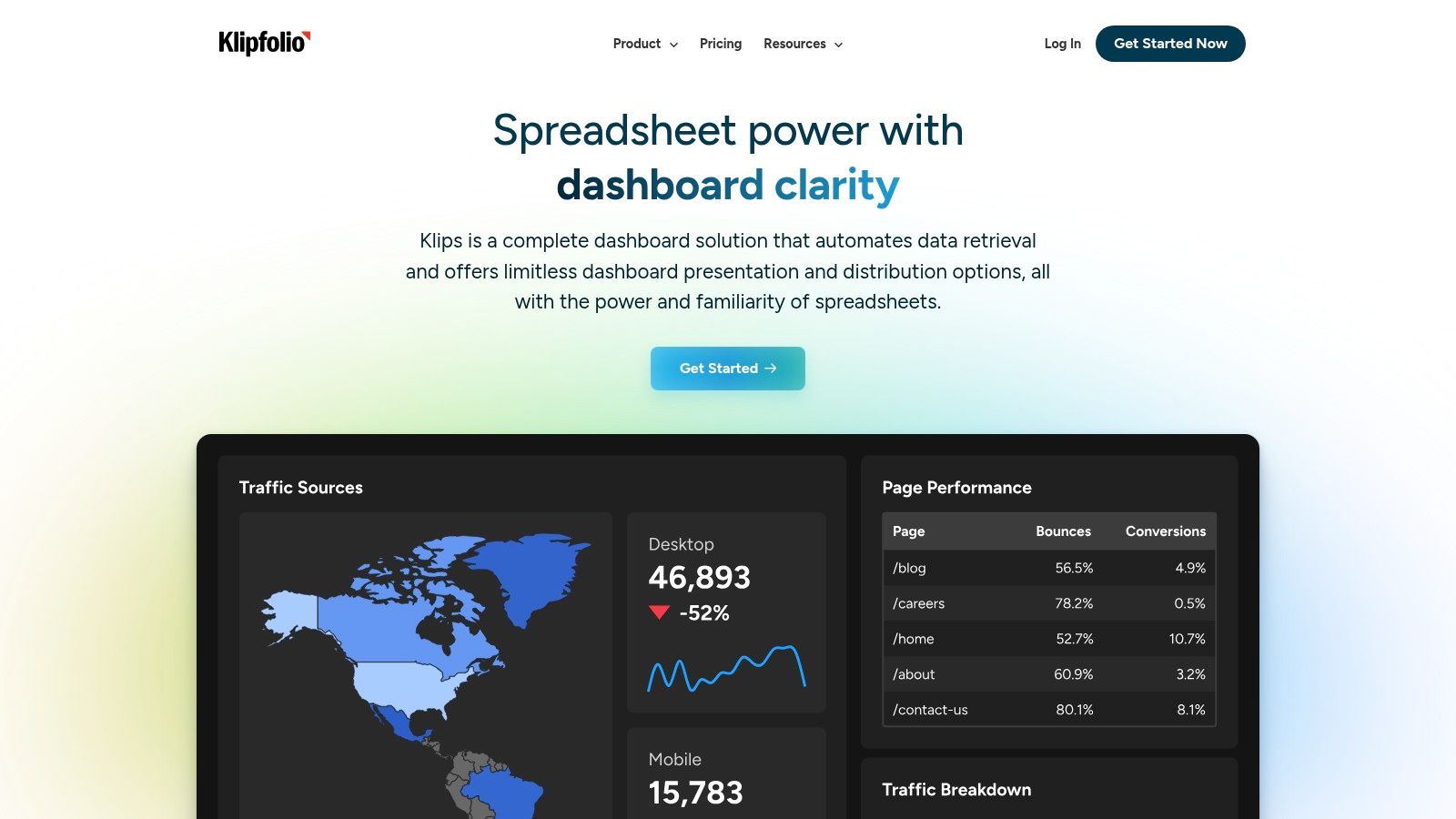
The platform is particularly favored by agencies and data-driven teams that require white-label options and extensive branding capabilities. Klipfolio excels at handling complex data manipulations and connecting to a wide array of services, including data warehouses. Its powerful editor allows for creating truly unique reports that go beyond standard templates, providing a robust solution among digital marketing reporting tools.
Key Details & Pricing
- Best For: Agencies and data-savvy marketing teams needing deep customization, white-label reports, and the ability to manage complex data from multiple sources.
- Pricing: Offers a free plan for 2 users and 4 dashboards. Paid plans start at $125/month for the Go plan, with Pro and Business tiers offering more features and users. Add-ons like AI analysis and data warehouse integration are available at an extra cost.
- Unique Feature: The dual PowerMetrics and Klips architecture allows users to choose between guided metric tracking and a highly flexible, custom dashboard builder within the same platform.
While Klipfolio's power is a major advantage, its advanced features come with a steeper learning curve compared to simpler drag-and-drop tools. The cost can also increase significantly with add-ons, so teams should carefully evaluate their needs against the pricing structure.
Website: https://www.klipfolio.com
9. Semrush (My Reports + all-in-one marketing suite)
Semrush is a comprehensive digital marketing suite known for its powerful SEO and competitive analysis tools, but it also features a robust reporting function called "My Reports." This feature allows users to pull data from its vast array of toolkits, covering SEO, PPC, content marketing, and social media, into a single, cohesive report. Marketers can create detailed performance overviews without ever leaving the platform.
The strength of Semrush as a reporting tool is its ability to centralize data that would otherwise be siloed. Instead of exporting CSVs from multiple tools, users can drag-and-drop widgets from Position Tracking, Site Audit, or Advertising Research directly into a custom PDF report. This integration makes it one of the most efficient digital marketing reporting tools for teams who already rely on the Semrush ecosystem for their daily operations.
Key Details & Pricing
- Best For: Marketing teams and agencies that already use Semrush for SEO, PPC, and content and want an integrated reporting solution.
- Pricing: Reporting is included in all paid plans, which start at $129.95/month. The Agency Growth Kit, which includes white-labeling and client portal features, is an additional add-on.
- Unique Feature: The ability to combine proprietary Semrush data (like keyword rankings and competitor ad spend) with Google Analytics and Google Search Console data in a single, branded report.
While the all-in-one suite offers immense value, the cost can be a significant factor, especially as you add more user seats or specialized toolkits. However, for those deeply embedded in SEO and SEM, the convenience of generating executive-level reports directly from their primary analysis platform is a major advantage.
Website: https://www.semrush.com
10. Sprout Social
Sprout Social is an enterprise-grade social media management platform that excels in analytics and reporting. While it's a comprehensive management tool, its strength as one of the best digital marketing reporting tools comes from its ability to generate detailed, presentation-ready reports on both organic and paid social campaigns across multiple networks. It simplifies tracking profile growth, post-level performance, and competitor activity.
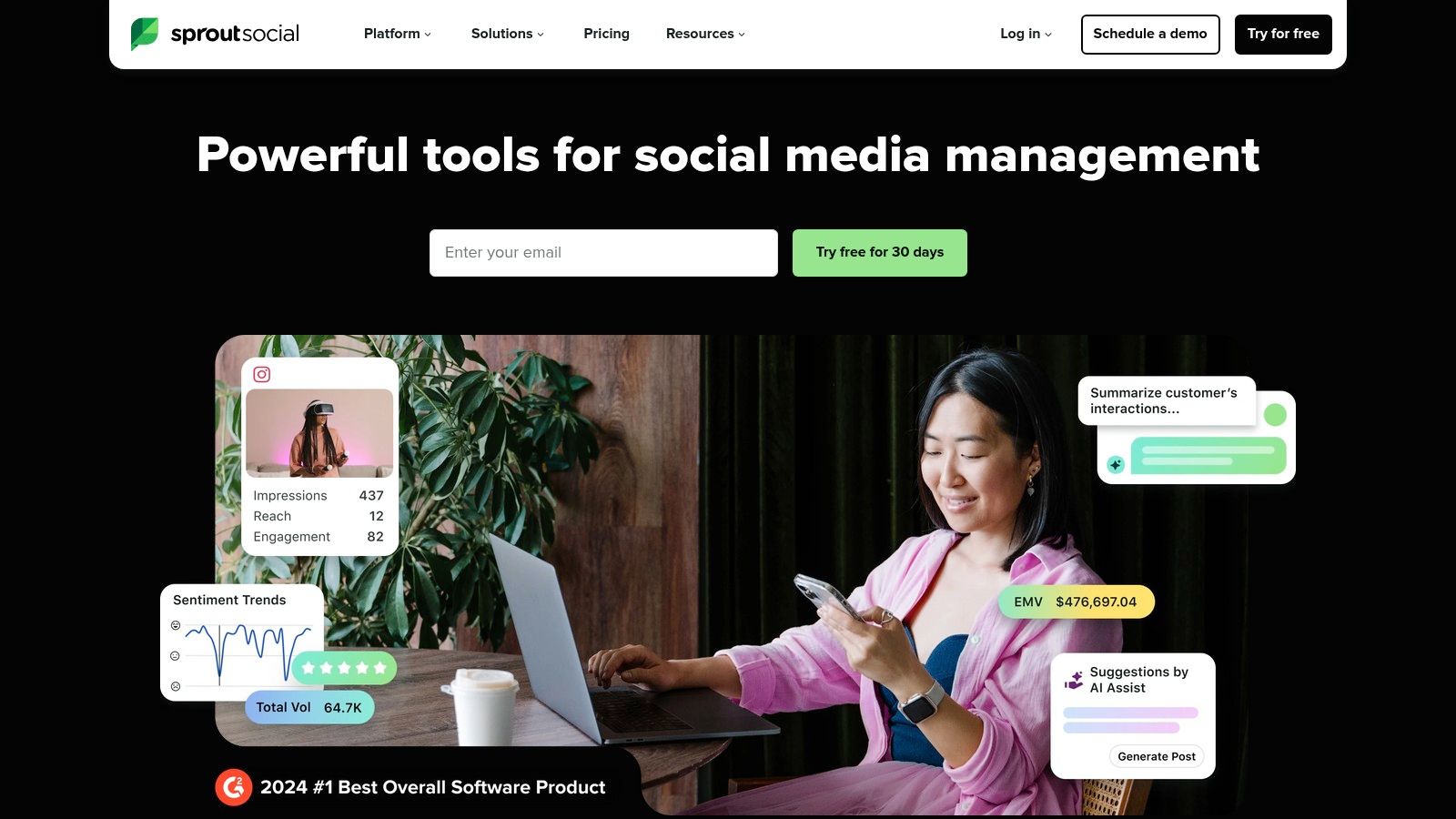
The platform delivers robust, cross-network reporting that allows marketing teams to aggregate data and demonstrate the ROI of their social media efforts effectively. Features like scheduled report exports and customizable stakeholder dashboards make it easy to keep everyone informed. Its focus on social media means it provides a level of depth on networks like Instagram, Facebook, and LinkedIn that broader tools often miss.
Key Details & Pricing
- Best For: Brands and agencies needing deep, specialized reporting on social media performance and competitor analysis.
- Pricing: Plans start at $249/month per user, with advanced features in higher-tier plans like Premium ($399/mo) and Advanced ($499/mo).
- Unique Feature: A unified platform that combines deep social analytics with powerful publishing, engagement, and listening tools, providing a complete social media workflow.
While Sprout Social’s per-seat pricing can become costly for large teams, its specialized reporting capabilities are invaluable for social-first brands. You can find more details in this comparison of social media management tools for agencies to see how it stacks up for agency use.
Website: https://sproutsocial.com
11. Microsoft Power BI
Microsoft Power BI is a heavyweight business intelligence platform that excels in complex digital marketing reporting and analytics. While not a dedicated marketing tool, its strength lies in its ability to connect and model vast datasets from disparate sources, offering a level of customization and analytical depth that many plug-and-play tools cannot match. It’s ideal for organizations that need to blend marketing data with sales, finance, and operational metrics.
The platform is divided into Power BI Desktop for building reports and the Power BI Service for sharing and collaboration. This structure allows marketing analysts to perform sophisticated data modeling locally before publishing interactive dashboards for stakeholders. Its enterprise-grade governance and security features, such as role-level security (RLS), ensure that sensitive performance data is shared appropriately across the organization.
Key Details & Pricing
- Best For: Enterprise-level marketing teams or data analysts needing to integrate marketing data with broader business intelligence efforts and require strong governance.
- Pricing: A free desktop version is available. Pro plans start at $10 per user/month, with Premium plans offering more capacity and features starting at $20 per user/month. Note that price increases are scheduled for April 1, 2025.
- Unique Feature: Unmatched data modeling capabilities through its Power Query and DAX language, allowing for highly complex and customized marketing metric calculations.
Although Power BI presents a steeper learning curve than simpler digital marketing reporting tools, its flexibility is a significant advantage for data-driven teams. Its ability to create paginated, pixel-perfect reports is also a key differentiator for formal presentations.
Website: https://powerbi.microsoft.com
12. G2 (Marketing Analytics/Reporting category)
While not a tool itself, G2's marketing analytics category is an indispensable resource for discovering and vetting digital marketing reporting tools. It functions as a peer-review-driven marketplace, allowing marketers to compare software based on authentic user feedback, feature sets, and market presence. This platform is crucial for the initial research phase, helping teams move beyond well-known names to find solutions tailored to their specific needs.
The platform excels at providing a structured comparison framework. Users can filter tools by company size, user satisfaction ratings, and specific features, then read in-depth reviews from verified users. This crowd-sourced intelligence helps you understand the practical pros and cons of a tool before committing, saving significant time and resources during the selection process.
Key Details & Pricing
- Best For: Marketing teams and agencies looking to shortlist and compare potential reporting tools based on real user reviews and data-driven grids.
- Pricing: Free to use for browsing, comparing, and reading reviews.
- Unique Feature: The G2 Grid, a proprietary visualization that plots tools based on user satisfaction and market presence, offering a quick snapshot of the competitive landscape.
G2 is an excellent starting point, but it's important to verify details like pricing directly with vendors, as listings can sometimes lag behind official updates. Its detailed user reviews provide context that you won't find in marketing materials, making it a powerful resource for building an effective influencer marketing report template or any other analytics dashboard.
Website: https://www.g2.com/categories/marketing-analytics
Top 12 Digital Marketing Reporting Tools Comparison
| Platform | Core Features & Functionality | User Experience & Quality | Value & Pricing | Target Audience | Unique Selling Points |
|---|---|---|---|---|---|
| REACH 🏆 | Advanced influencer discovery, campaign dashboard, white-labeling | ★★★★☆ Intuitive UI & mobile app | 💰 9% platform fee + ROI calculator | 👥 Agencies, brands, creators | ✨ Niche filters, fast payments, full influencer ecosystem |
| Google Looker Studio | 800+ connectors, flexible dashboards | ★★★☆☆ Free tier, Google integration | 💰 Free core + Pro tier | 👥 Marketers, analysts | ✨ Extensive connectors, cost-effective entry |
| Supermetrics | 100+ marketing connectors, multi-destination support | ★★★★☆ Reliable connectors | 💰 License per connector | 👥 Solo to enterprise users | ✨ Marketing-specific data pipelines |
| Databox | Goals tracking, alerts, 100+ integrations | ★★★☆☆ Fast setup, templates | 💰 Paid plans; add-ons extra | 👥 Agencies, SMBs | ✨ Scheduled reporting, forecasting |
| AgencyAnalytics | SEO/PPC/social tracking, white-label portals | ★★★☆☆ Agency-focused UI | 💰 Agency pricing model | 👥 Agencies | ✨ White-label client portals |
| DashThis | Unlimited integrations/users, white-labeling | ★★★☆☆ User-friendly, quick start | 💰 Pricing by dashboards | 👥 Agencies, marketers | ✨ Simple setup, AI Insights (beta) |
| Whatagraph | Multi-channel reports, drag-drop widgets | ★★★☆☆ Stakeholder-ready visuals | 💰 Freemium + credits model | 👥 Agencies, in-house teams | ✨ Scheduled delivery, live support |
| Klipfolio | Custom dashboards, BI, AI analysis | ★★★★☆ Highly customizable | 💰 Base + costly add-ons | 👥 Marketing & BI teams | ✨ Deep customization, pro services |
| Semrush | SEO, PPC, content, social suite + reporting | ★★★★☆ Mature templates | 💰 Suite pricing + add-ons | 👥 Agencies, brands | ✨ All-in-one marketing + agency tools |
| Sprout Social | Social management + analytics, AI assist | ★★★★☆ Enterprise-ready | 💰 Per-seat pricing | 👥 Multi-brand social teams | ✨ Strong social reporting |
| Microsoft Power BI | Complex data modeling, governance, paginated reports | ★★★★☆ Enterprise-scale | 💰 Pro/Premium licensing | 👥 Enterprise marketers | ✨ Flexibility, security, governance |
| G2 (Marketplace) | Reviews, ratings, comparisons | ★★★☆☆ User-driven content | Free | 👥 Buyers & researchers | ✨ Extensive comparisons & user insights |
Choosing the Right Tool to Turn Data into Action
Navigating the crowded market of digital marketing reporting tools can feel overwhelming, but the right platform is out there to transform your raw data into a clear roadmap for success. We've explored a wide range of solutions, from the versatile and free Google Looker Studio to comprehensive, all-in-one suites like Semrush and specialized powerhouses like Sprout Social for social media management. The core takeaway is that there is no single "best" tool; the ideal choice is entirely dependent on your unique business context.
The journey from data collection to data-driven decision-making is a crucial one. A startup focused on brand awareness through influencers will find immense value in a dedicated platform like REACH, while a data-heavy enterprise might require the deep customization capabilities of Microsoft Power BI or Klipfolio to integrate disparate data sources. Similarly, marketing agencies need the client management and white-labeling features offered by AgencyAnalytics, Whatagraph, or DashThis to operate efficiently at scale.
How to Select Your Ideal Reporting Tool
Before committing to a subscription, it’s essential to map out your specific requirements. This strategic approach ensures you invest in a tool that truly empowers your team rather than creating another layer of complexity.
Consider these critical factors during your evaluation process:
- Primary Use Case: What is your main goal? Are you consolidating paid ad performance, tracking SEO progress, proving social media ROI, or integrating all of the above? A tool that excels in your primary area of need should be a top contender.
- Technical Skill Level: Be honest about your team's comfort level with data analysis. Platforms like Databox and DashThis are known for their user-friendly interfaces, while Power BI demands more advanced technical expertise to unlock its full potential.
- Integration Needs: List all the platforms you currently use, from your CRM and ad networks to your social media and email marketing tools. Check if your shortlisted reporting tools offer seamless, native integrations for these essential data sources.
- Scalability and Budget: Your needs will evolve as your business grows. Consider a tool's pricing structure and its ability to scale with you. Many platforms offer tiered plans, so you can start with a basic package and upgrade as your reporting requirements become more sophisticated.
Turning Insights into Impact
Ultimately, the best digital marketing reporting tools do more than just display numbers; they provide the context needed to ask better questions and find actionable answers. However, powerful reporting is only effective if you're tracking the right key performance indicators (KPIs). To truly turn data into action, it's essential to first identify the most impactful metrics for your specific goals. For e-commerce brands, understanding which numbers directly influence revenue is paramount. If you need a starting point, exploring a curated list of the Top 10 Ecommerce Metrics to Track for Growth can provide much-needed clarity.
By pairing the right tool with a focused metrics strategy, you create a powerful feedback loop. You can confidently allocate your budget, optimize underperforming campaigns, and prove the undeniable value of your marketing efforts to stakeholders. Take advantage of the free trials offered by these platforms, test them with your actual data, and choose the one that makes your story clear, compelling, and actionable.
Ready to master your influencer marketing reporting and prove ROI with confidence? REACH offers an end-to-end platform designed to manage campaigns, track performance in real-time, and generate beautiful, comprehensive reports. Simplify your workflow and make data-driven decisions by exploring REACH today.
