 Skip to content


How To Accept Collaboration Requests
You’ll often spot a brand’s partnership invite landing in your Instagram inbox—either in your DMs or tucked away under Message Requests. When you’re ready to respond, open the conversation, tap the ‘Review’ button, then hit ‘Accept’. That quick sequence locks in the collaboration.
Your First Look At A Collaboration Request
That first partnership invitation always feels like a milestone. Legitimate offers typically arrive in your main inbox, but if you don’t follow the sender, they might slip into the Message Requests folder.
Keep an eye out for the View Partnership button embedded in the chat. Clicking it doesn’t confirm anything—it simply brings up a detailed overview of the proposal so you can decide with all the facts in front of you.
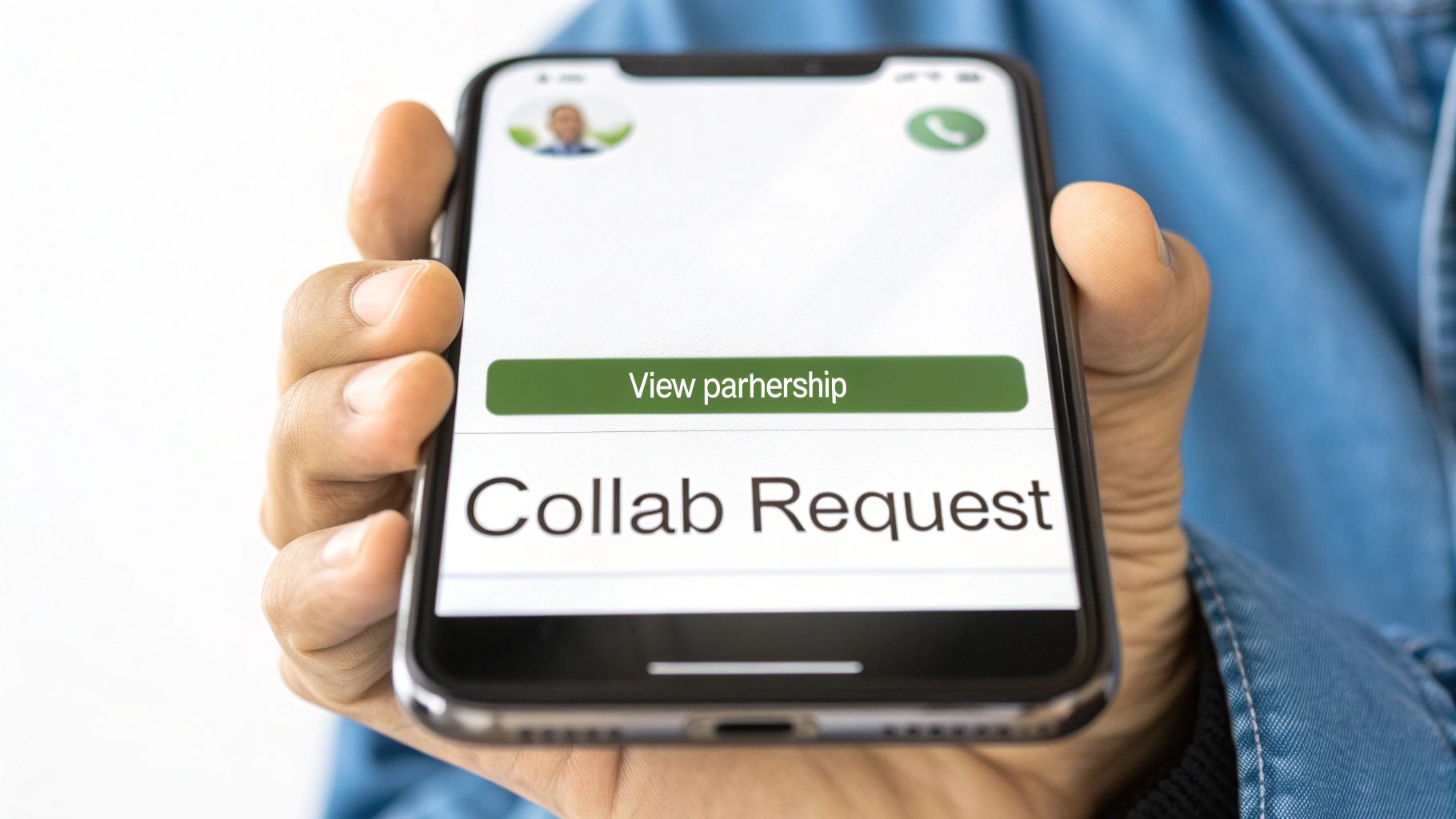
Where To Find Collaboration Requests On Instagram
Partnership invitations can pop up in several spots within the app. The table below gives you a quick glance at where to check.
Where to Find Collaboration Requests on Instagram
| Location | How to Access | What to Look For |
|---|---|---|
| Direct Messages (DMs) | Tap the messenger icon at the top | Chats from brands you already follow; “View Partnership” button |
| Message Requests Folder | Messenger icon → Requests tab | Messages from unknown accounts; look for partnership alerts |
| Professional Dashboard | Profile → Professional Dashboard | Notifications labeled “Partnership Tools” or “Collaborations” |
Keeping tabs on these three areas means you’ll never miss an opportunity.
- Check your DMs at least once a day to stay on top of incoming offers.
- Peek into Message Requests right after you log in—some brands might not be on your follow list.
- Open your Professional Dashboard for occasional prompts about partnership tools or programs.
For a deeper dive into making these partnerships successful, explore these proven influencer collaboration tips.
Vetting a Brand Before You Say Yes
That little notification for a collaboration request can be exciting, but don't rush to hit "accept." Think of this as more than just a one-off post; it's a business decision. The right partnership feels like a natural fit and gives your audience something valuable. The wrong one? It can feel jarring and chip away at the credibility you’ve worked so hard to build.
So, before you commit, take a beat. Does this brand actually make sense for you?
Start by doing some light detective work on their Instagram profile and website. Forget the follower count for a second and really look at their content. Does their visual style vibe with yours? Is their tone of voice something your audience would connect with? Getting a feel for this is the first real step in making sure a collaboration feels genuine.
A great brand deal should feel like a seamless part of your content, not a clunky ad. If you wouldn't personally use the product, your audience will sniff it out immediately. That's a quick way to lose the trust you've earned.
Core Alignment Checklist
To keep yourself honest, run through this quick gut-check. If you find yourself hesitating or saying "no" to any of these, it's probably a sign to pass on the offer.
- Do our values line up? Check their mission statement and public posts. If you’re all about sustainable living, partnering with a fast-fashion giant is going to create some serious cognitive dissonance for your followers.
- Is their audience my audience? Dive into their tagged photos. Who’s already using their stuff? If their customers look nothing like your followers, the campaign is likely to fall flat for everyone involved.
- Would I actually use this? This is the big one. Authenticity is everything. A staggering 69% of consumers trust what an influencer says over what a brand says about itself. Your word is your bond.
Getting Clear on the Details
Okay, so the brand feels like a great match. Awesome! Now it's time to get down to brass tacks. Never, ever assume the details are all sorted. A professional brand will have a clear vision and will welcome your questions.
It's on you to ask about the specifics. What are their goals for this campaign? What exactly are the deliverables—one Reel and three Stories? A static post? What's the timeline for posting, and who owns the content afterward (usage rights)?
Nailing down these expectations from the get-go prevents nasty surprises later. This initial conversation isn't just about logistics; it sets the stage for a smooth, professional partnership where everyone wins. A solid brief is the bedrock of any successful collaboration.
How to Accept a Collab Invite on Instagram
You’ve done the hard work—vetted the brand, aligned on a creative brief, and agreed to the terms. Now, it's time to make it official on Instagram. This part is simple, but getting it right is key to making sure the content shows up correctly for both of your audiences.
The process kicks off when the brand creates the Reel or feed post and invites you as a collaborator. This triggers a specific notification, letting you know it's your turn to approve the post.
Finding and Approving the Collaboration Request
Your collab invite won't just pop up as a standard notification. Instead, it will land directly in your Direct Messages (DMs). You'll see a message from the brand with a big, clear button prompting you to "Review" the invitation.
- Head to your DMs by tapping the messenger icon in the top-right corner of the app.
- Open the message from the brand partner who sent the invite.
- Tap the “Review” button inside the message.
From there, a preview of the post will pop up asking for your final confirmation. Just tap Accept, and you're done! The post will immediately go live on your profile grid and in your followers' feeds, sharing all the likes, comments, and views with the original post.
This infographic breaks down what you should be thinking about long before you get to this point, focusing on what truly makes a collaboration work: authenticity and audience alignment.
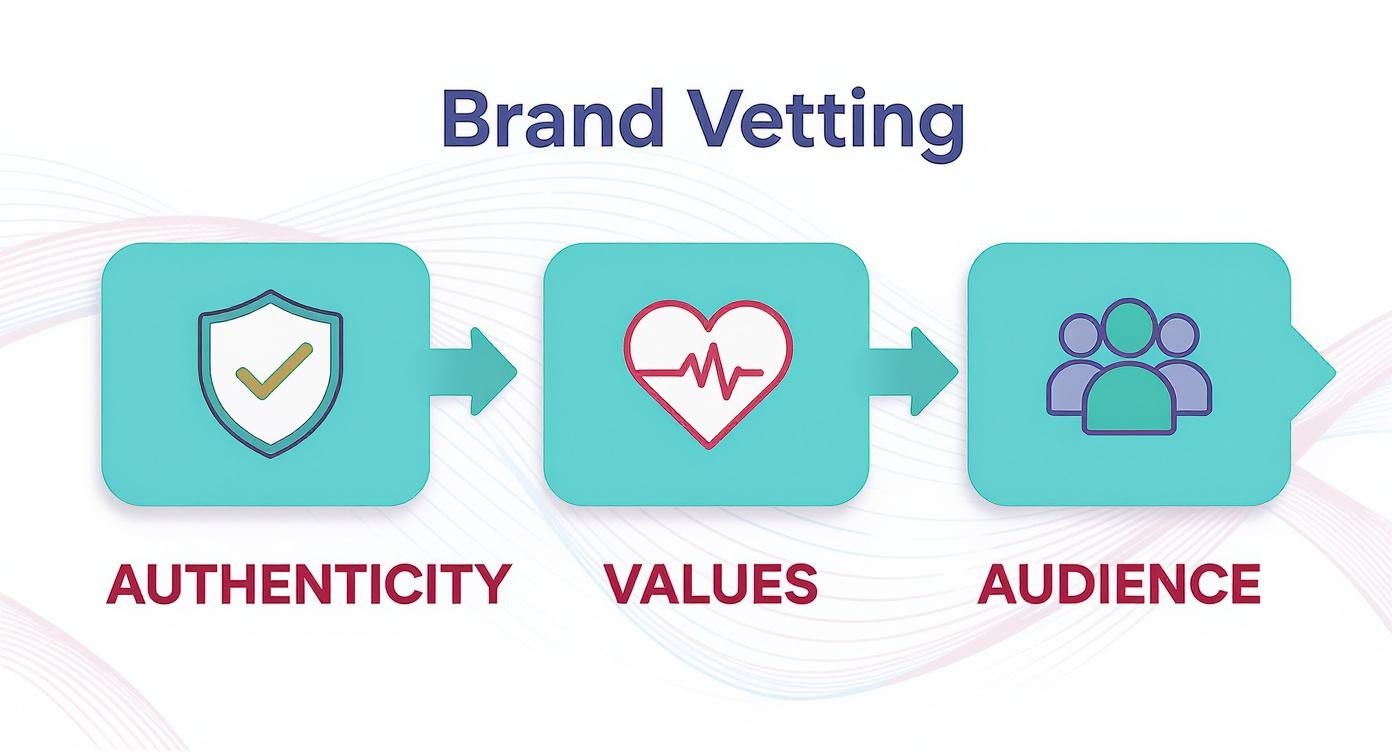
As the visual shows, a great partnership is built on shared values. When that foundation is solid, the final "accept" click is just a formality.
Finalizing the Partnership Details
Before you hit that accept button, do one last check to make sure everything is in order. You should always have a signed agreement in place covering deliverables, payment terms, and content usage rights. This isn't just a best practice; it protects both you and the brand. If you need a starting point, this content creator contract template is an excellent resource.
Pro Tip: Not seeing the invite in your DMs? It’s likely a quick settings fix. Dive into your Branded Content settings and make sure you’ve enabled tags from partners. You can find this under Settings and privacy → Creator tools and controls → Branded content.
If you're curious about the other side of the coin and want to understand the entire process from start to finish, this guide on how to do a collaborative post on Instagram is a fantastic read.
Positioning Your Profile to Attract Better Collaborations
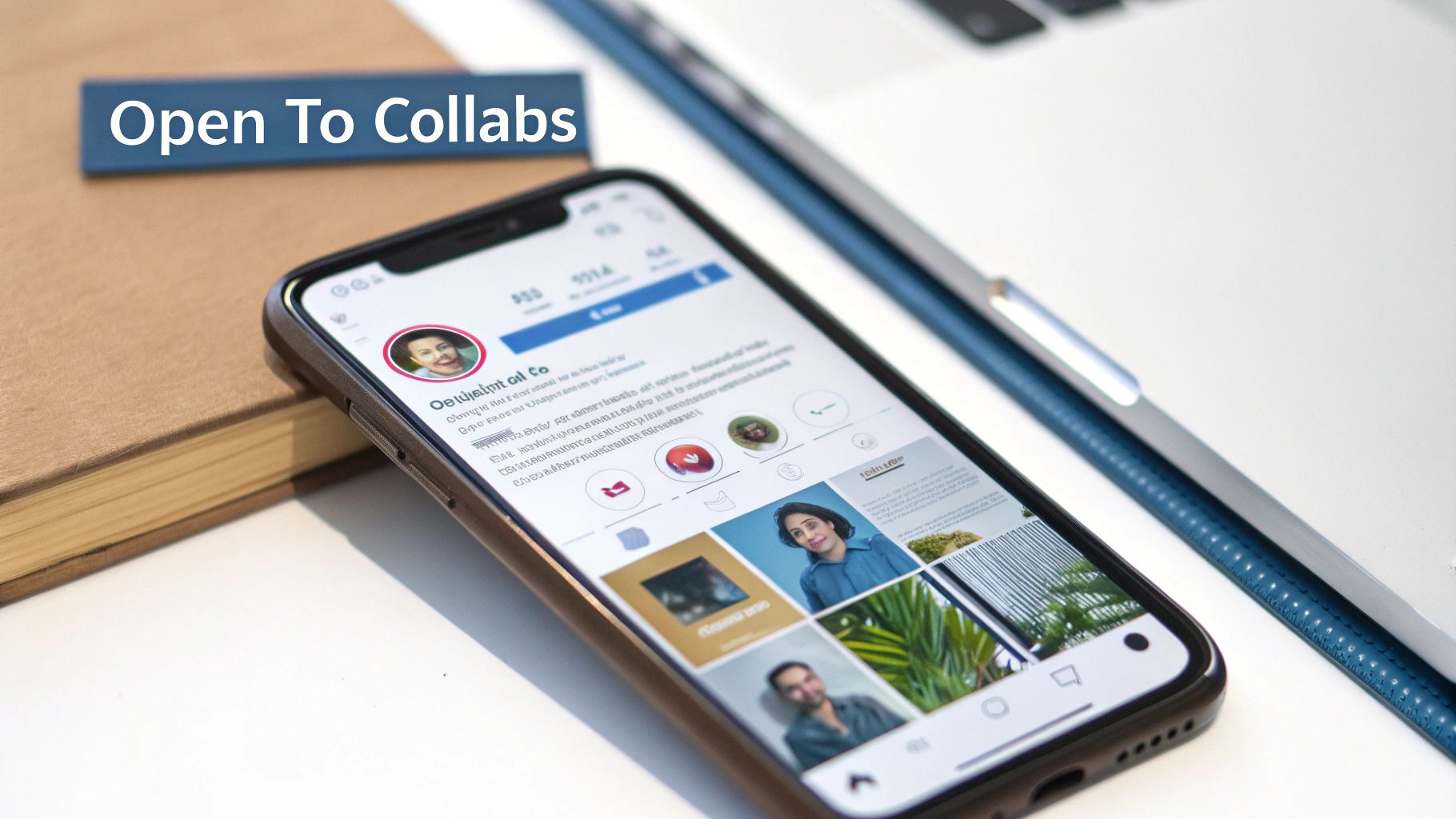
Think of your Instagram bio as your digital handshake. When a brand manager lands on your profile, they should know exactly who you are and what you're about in seconds.
Make your niche and your intention to collaborate completely obvious. Use clear, concise language that gets straight to the point.
- Niche Clarity: Don't be vague. A simple statement like "Sustainable Fashion & Lifestyle" immediately tells a brand if you're a potential fit.
- Collaboration Call-Out: You have to be direct. Add "Open to collabs" or "DM for brand partnerships" right in your bio where it can't be missed.
- Media Kit Link: Include a link to a simple one-page PDF or a landing page. This gives brands an immediate way to see your stats without having to ask.
Why You Need a Media Kit (And What to Put in It)
Your media kit is basically your professional resume for brand deals. It’s what you send to brands to show them why they should work with you.
It needs to be more than just pretty pictures. You have to back up your value with hard data. Make sure you include a breakdown of your audience, examples of past work, and your best-performing content.
Here's what a good one contains:
- Audience Details: Go beyond follower count. Show brands who your followers are. Include key demographics like age, location, and their main interests.
- Engagement Stats: This is your proof of performance. Highlight your average likes, comments, and share rates.
- Campaign Success: Showcase logos from previous brand partners. A quick case study snippet showing the campaign goal and the actual results you delivered is incredibly powerful.
Once it's ready, drop a link to the PDF or landing page right in your bio for easy access.
Aligning Your Content With What Brands Want to See
Let's be honest, brands are looking for content formats that actually drive results. Static photo posts are fine, but it’s the interactive stuff that really moves the needle.
By 2025, Reels have absolutely dominated the platform. They account for 39% of all time spent on Instagram and pull in twice the engagement of regular photo posts. With average engagement rates hovering around 0.50%, formats like Reels, Carousels, and Stories are your best bet for standing out. You can dive deeper into these Instagram engagement insights to see the trends for yourself.
High-engagement Reels and thoughtfully curated carousels are more than just content; they're proof to brands that you understand what it takes to achieve their partnership goals.
Your grid should tell a story of someone who is ready for collaborations. Mix in your high-performing Reels with your best evergreen images.
I also recommend keeping a dedicated Story Highlight for "Past Collabs" or "Brand Features." It's a great way to showcase testimonials and social proof.
Here are a few more pro tips to keep in mind:
- Update your contact info: Make it dead simple for brands to reach you. Include a professional email and clear instructions for DMs.
- Rotate your pinned posts: Keep your best and most recent collaborations pinned to the top of your profile. I usually swap mine out every month.
- Maintain a consistent aesthetic: A cohesive style shows you have a clear brand identity, which is a huge plus for potential partners.
- Showcase metrics in captions: Don't be shy. Occasionally sharing your reach or engagement stats on a successful post can add a layer of credibility.
By strategically positioning your profile, you stop asking how to accept a collaboration on Instagram and start becoming the partner brands are actively searching for.
Start by updating your bio and media kit today. You'll be surprised how quickly it can attract higher-value collaborations. In this game, consistency and clarity are everything.
Navigating Different Types of Instagram Partnerships
Not all collaboration requests are created equal. Before you even think about how to accept a collaboration on Instagram, it’s crucial to understand the different partnership models out there. This way, you can pick opportunities that actually line up with your personal brand and goals.
The world of brand partnerships is huge, spanning everything from a single sponsored post to a long-term brand ambassadorship. Each type of collaboration comes with its own set of expectations for what you need to deliver, when, and how you’ll get paid.
Understanding Influencer Tiers
Influencer marketing isn't a one-size-fits-all game. Brands usually categorize creators into different tiers based on their follower count, which often sets the stage for the kind of partnership they'll offer.
- Nano-Influencers (1K-10K followers): These are creators with small but mighty communities. Their followers are super engaged, and the connection feels very personal.
- Micro-Influencers (10K-100K followers): With a solid following in a specific niche, they strike a great balance between broad reach and genuine authenticity.
- Macro & Mega-Influencers (100K+ followers): Think celebrities and major public figures. These are the go-to creators for massive brand awareness campaigns.
Here's a surprising fact: nano-influencers now make up 76.86% of all influencer accounts. They also tend to have higher engagement rates, averaging around 2.19%, which makes them incredibly valuable for brands looking to build real trust.
The kind of partnership a brand proposes often depends on which tier you're in. A new startup might reach out to a nano-influencer for an honest product review, while a global giant will likely tap a mega-influencer for a huge product launch.
Getting a handle on the bigger picture is key. Diving into a Modern Influencer Marketing Guide can give you the strategic context you need to thrive. And for more hands-on advice on pitching yourself, be sure to check out our guide on how to collaborate with brands.
Common Questions About Instagram Collaborations
Every creator runs into hiccups when a brand tags them or invites them to co-create. This quick FAQ walks you through accepting invites, fixing glitches, and tightening up your Branded Content setup.
Whether you’ve accidentally hit “Accept” or simply can’t spot an incoming request, these pointers will keep you in the driver’s seat.
-
Accidentally Accepted A Collaboration
Pop open Settings > Branded Content and tap the post to remove the tag. Then send a friendly DM to the brand asking for an official untag. -
Missing Collaboration Request
Start in Message Requests, then peer into Primary and General. Head over to Settings > Messages and flip on partnership invites so nothing slips through. -
Renegotiate Terms After Invite
Before you green-light anything, lay out deliverables, budget, and usage rights in DMs or email. Only accept once you’ve got everything in writing.
It’s easy to overlook how filters or permissions can block official partner messages. A few quick checks here and there can save you hours of back-and-forth—and keep relationships smooth.
Key Takeaway
You’ll avoid most partnership slip-ups by knowing exactly where invites land and how to tweak your Branded Content settings.
Troubleshooting Request Visibility
Sometimes Instagram’s filters reroute your collab invites into hidden folders. Here’s what I do when a brand swears they sent a request but I see nothing:
- Dive into Message Requests and scroll until the invite pops up.
- Scan both Primary and General tabs—some chats sneak in there.
- Open Message Controls under Settings and allow partnership messages from everyone.
A small adjustment in these menus makes sure you catch every collaboration ping right when it arrives.
Ready to streamline your collaborations and get clear ROI on every partnership?
Try REACH free on REACH to organize invites, track approvals, and prove results.
Start boosting results today.
